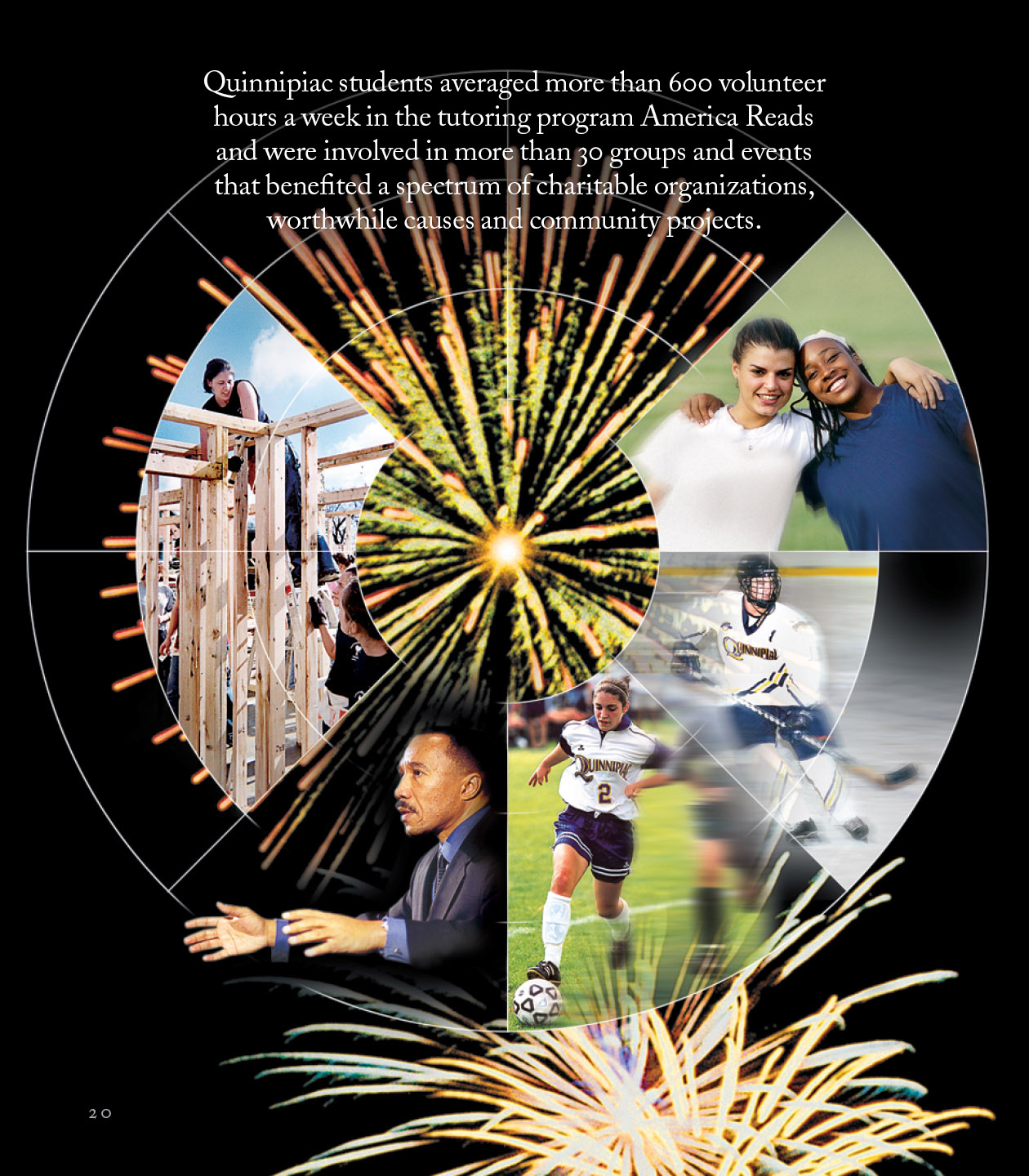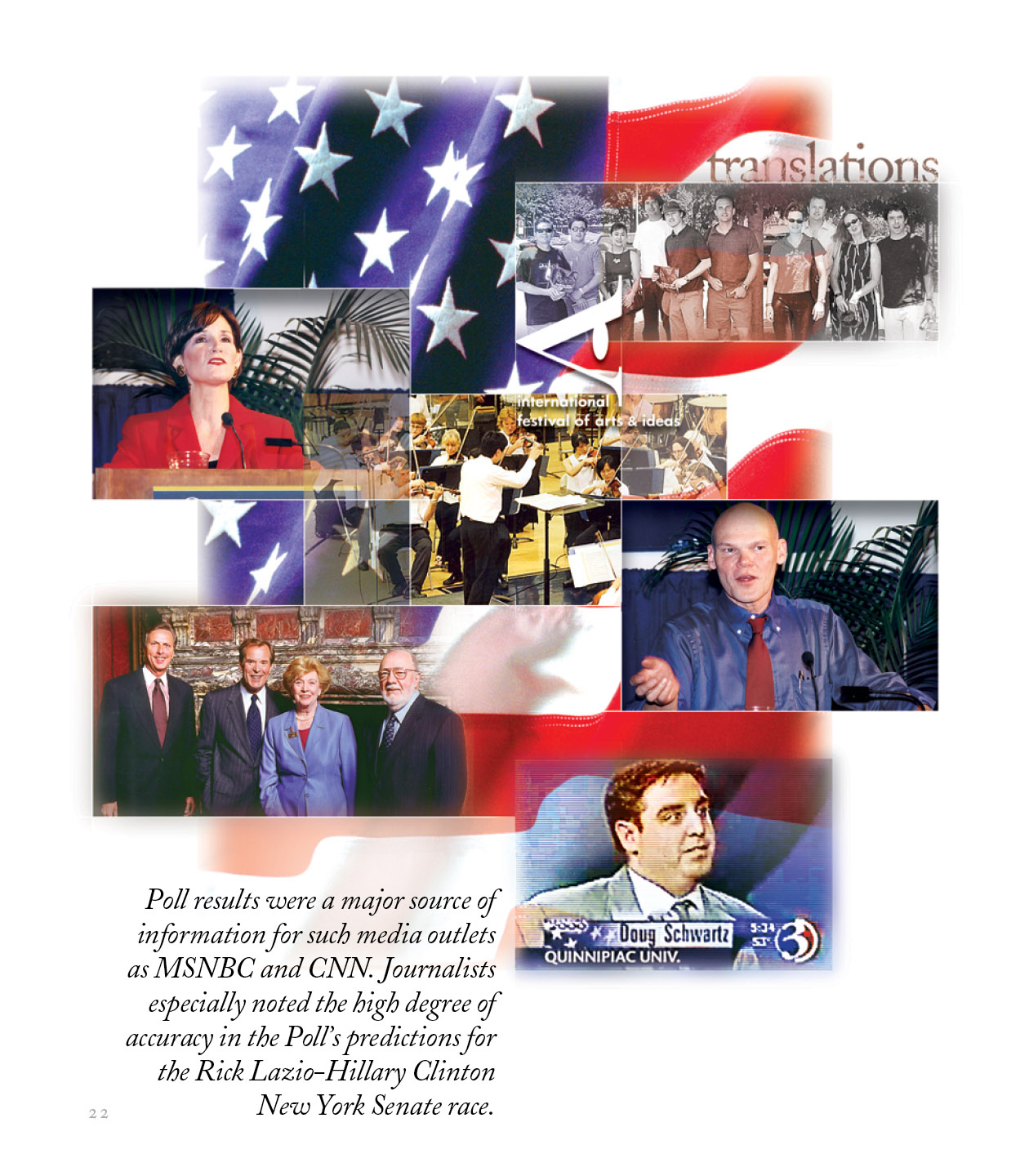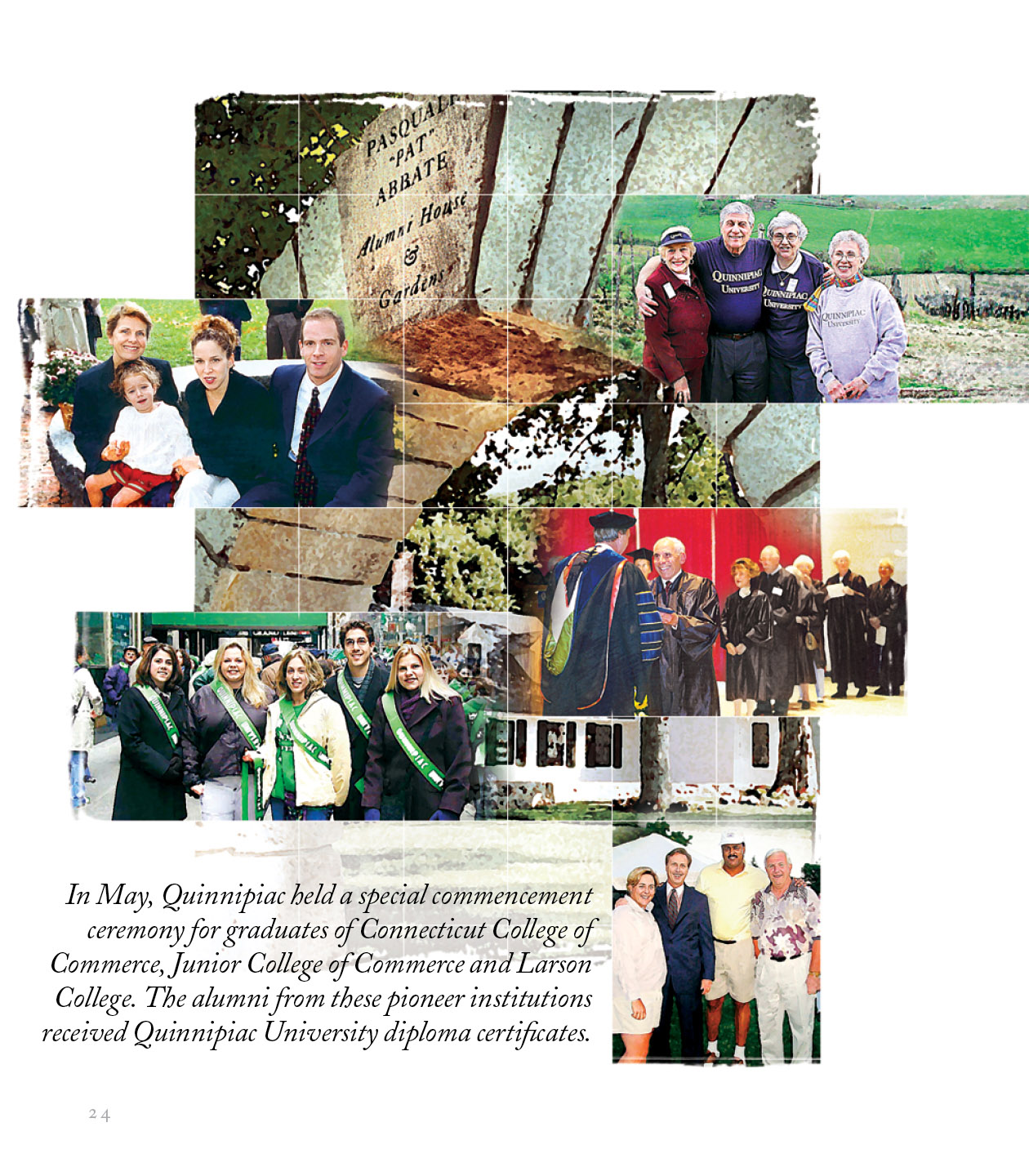
GBD Works: Quinnipiac University Annual Report Photoshop Layers and Masks
Using Photoshop’s Layers and Masks to Create Complex Montages
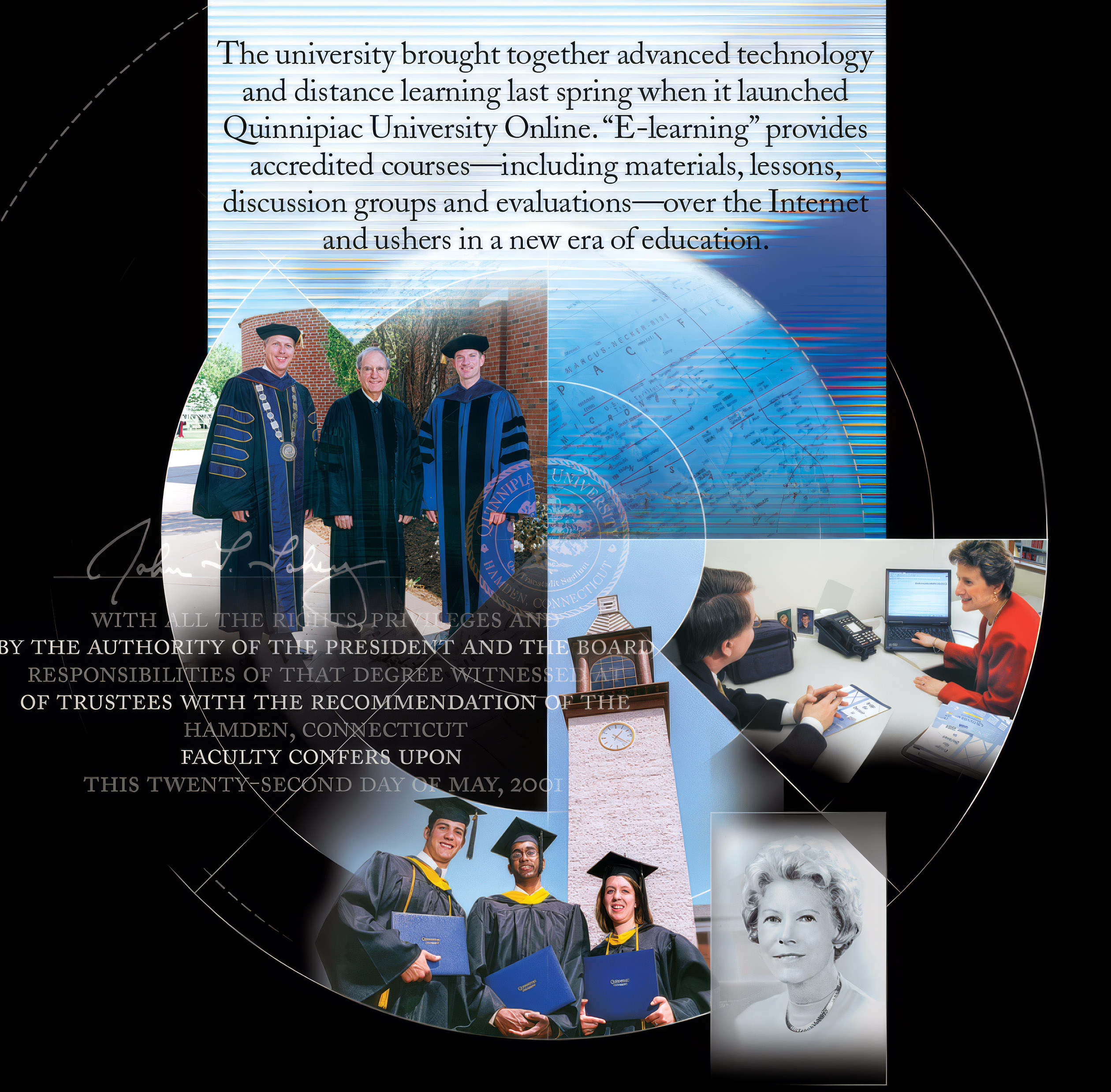
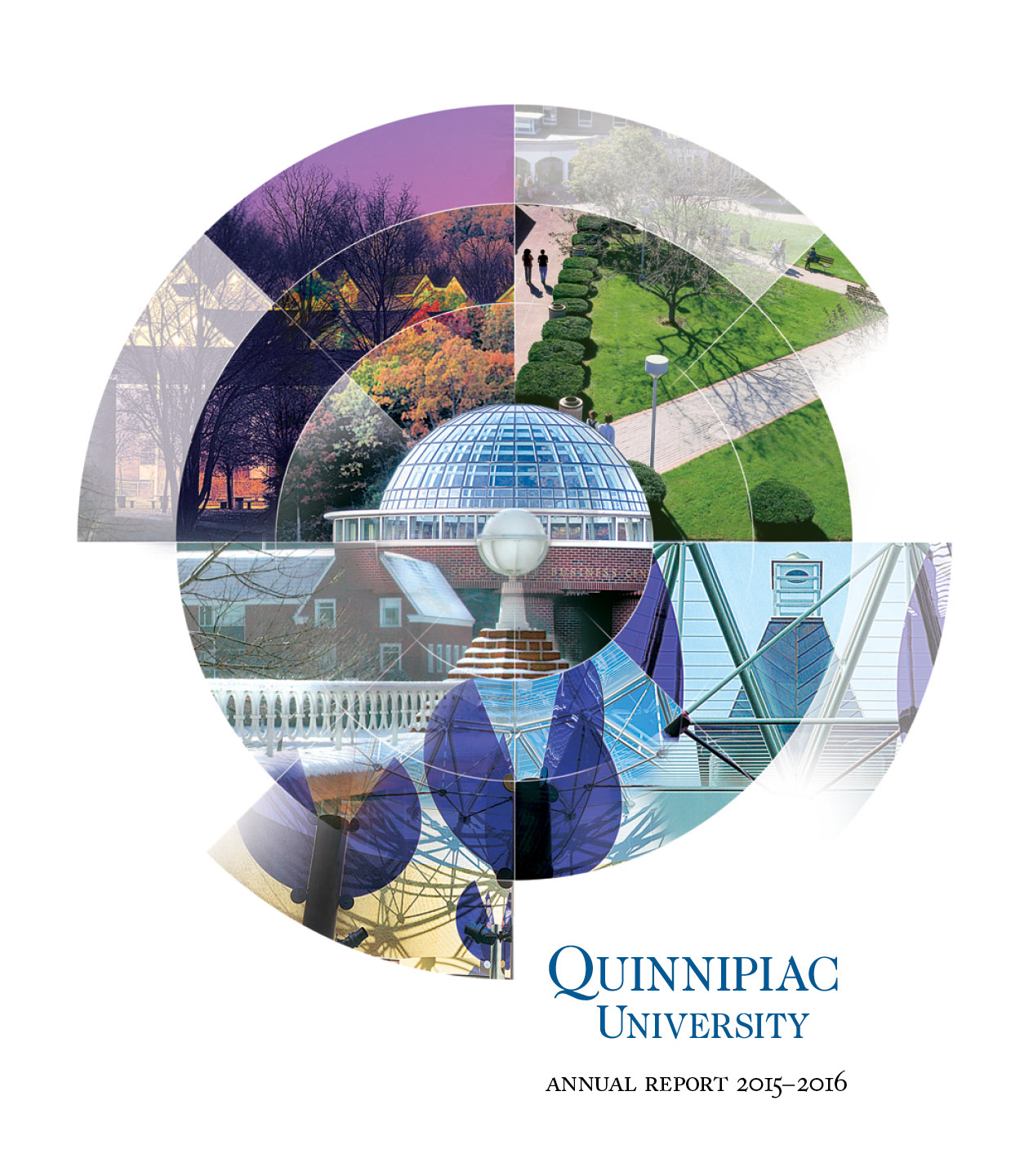
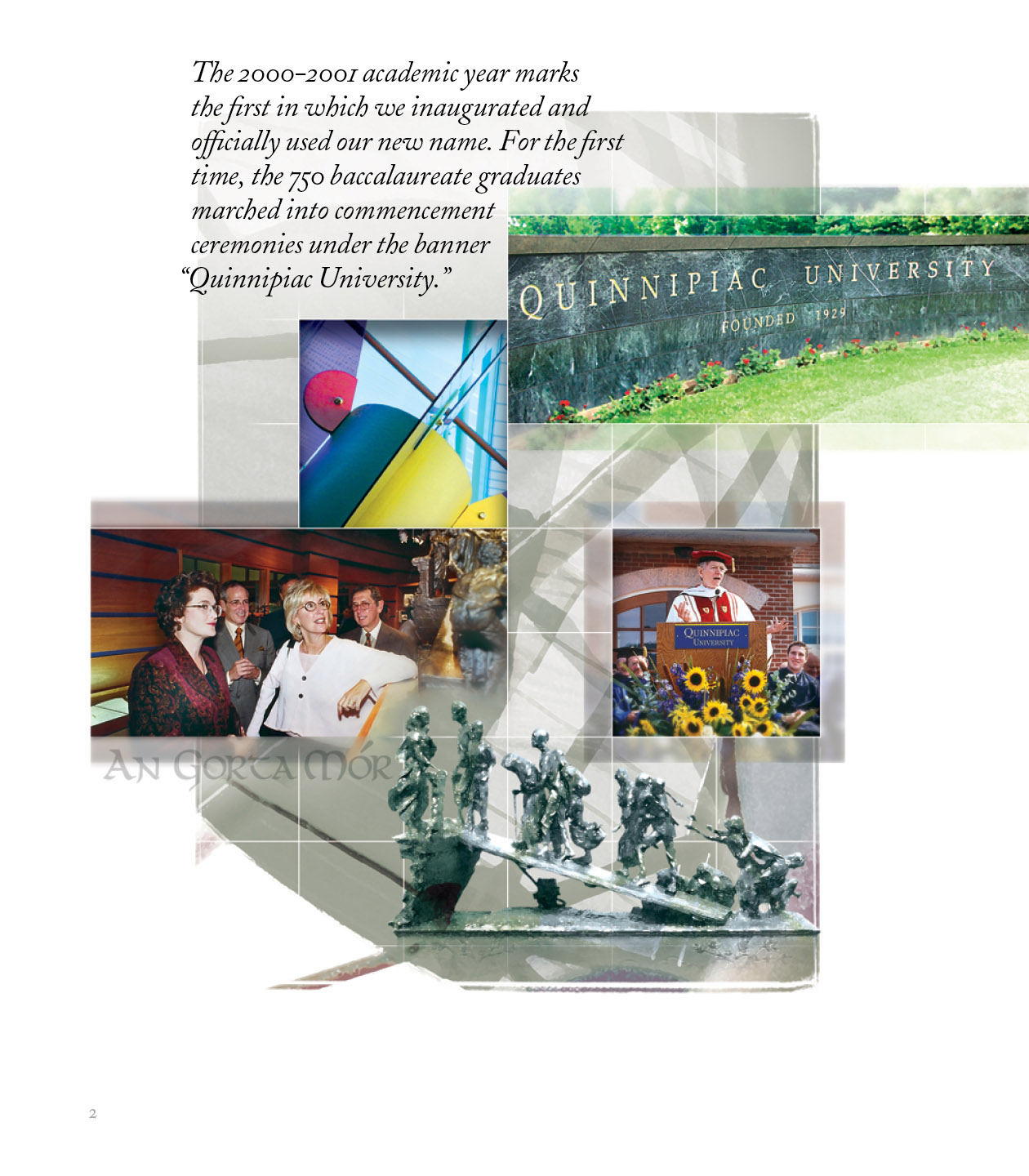
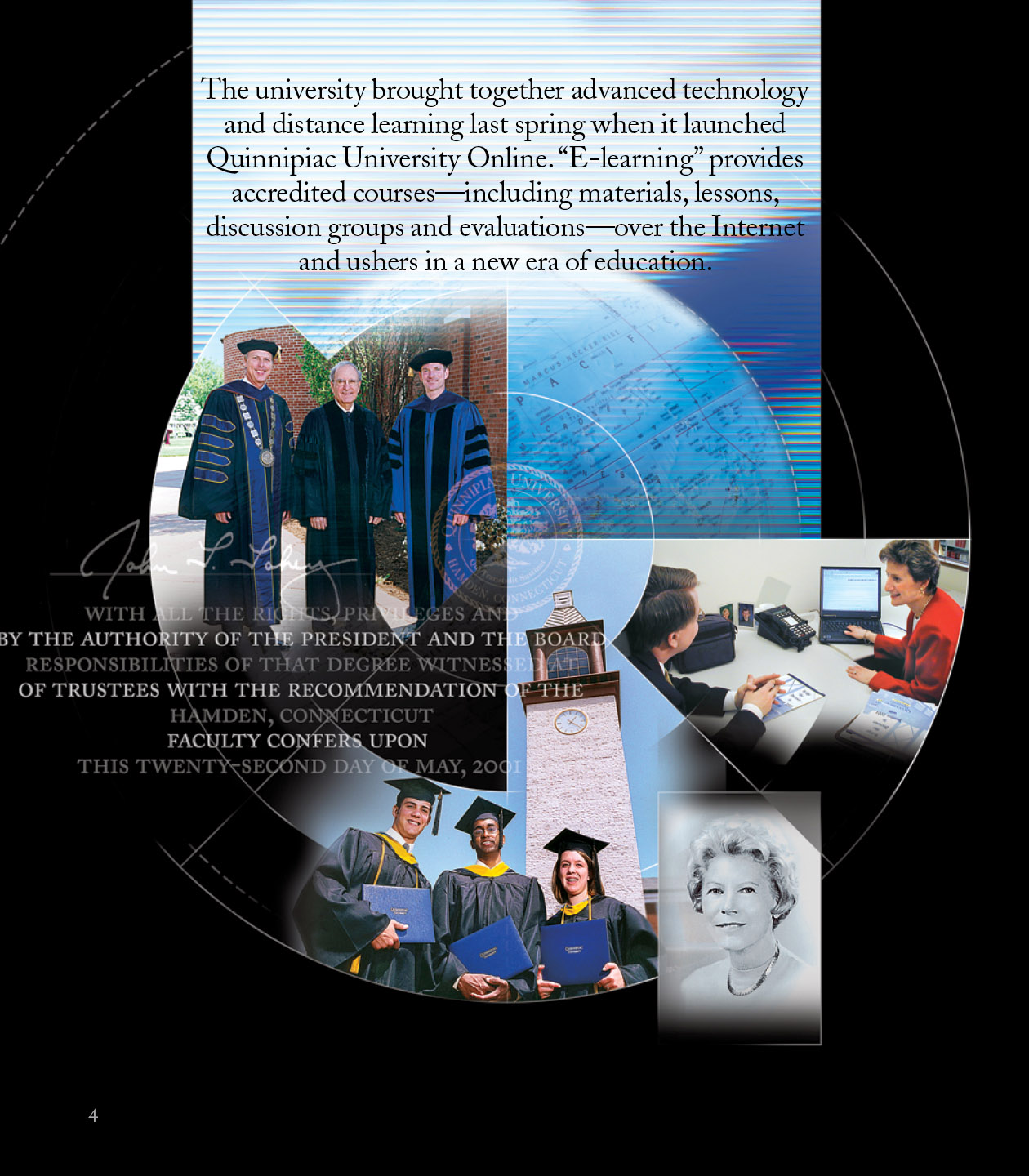
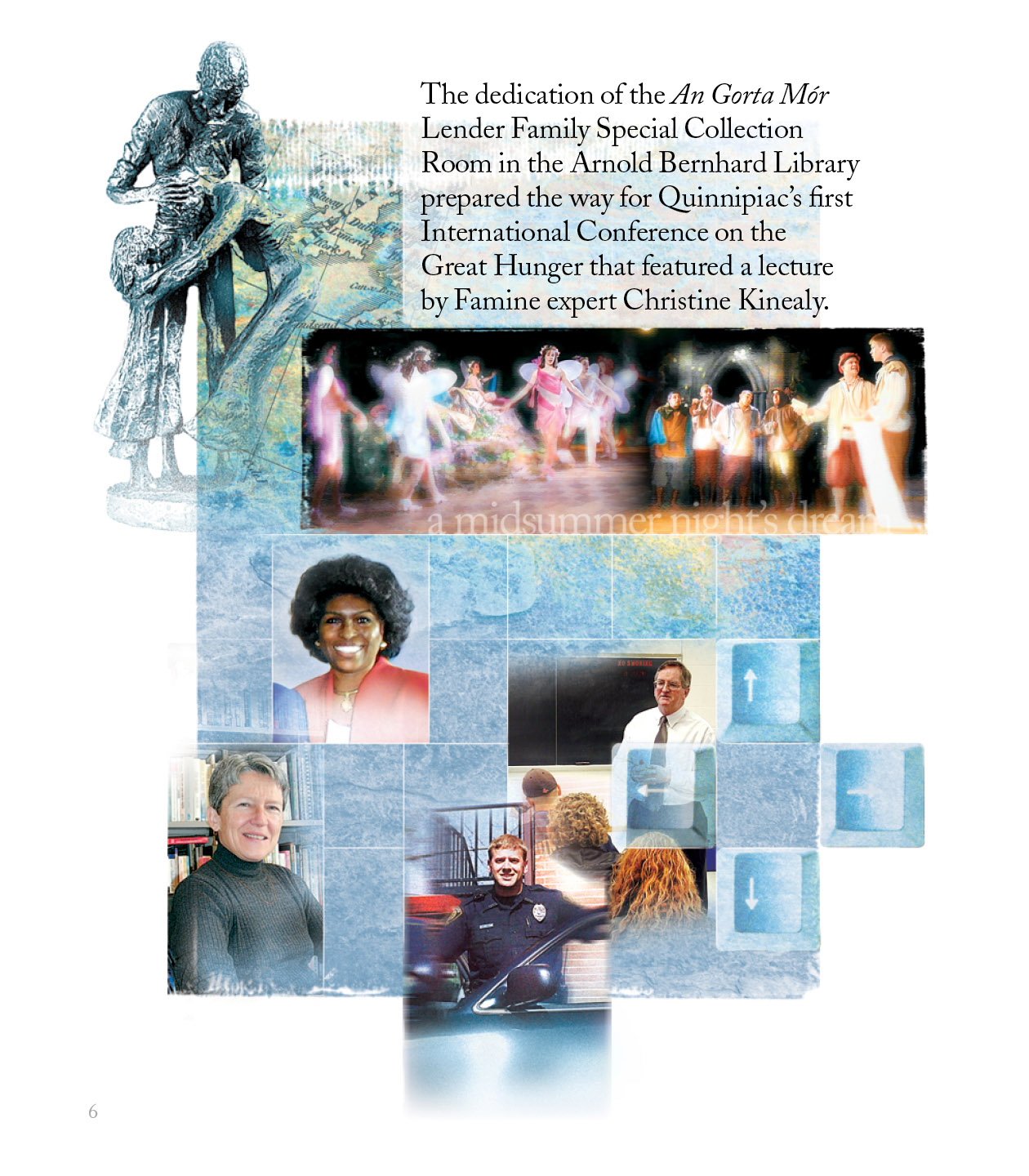
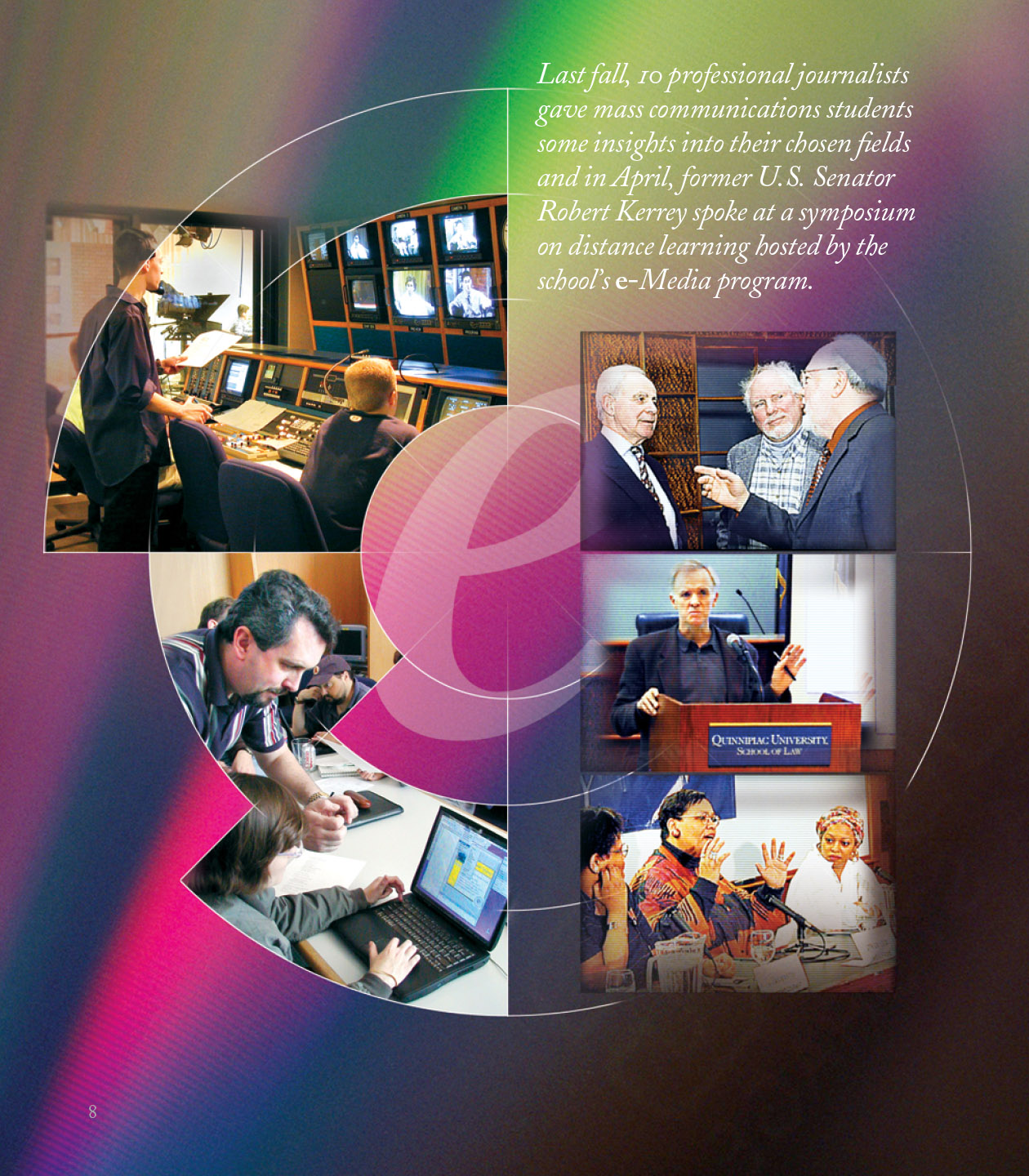
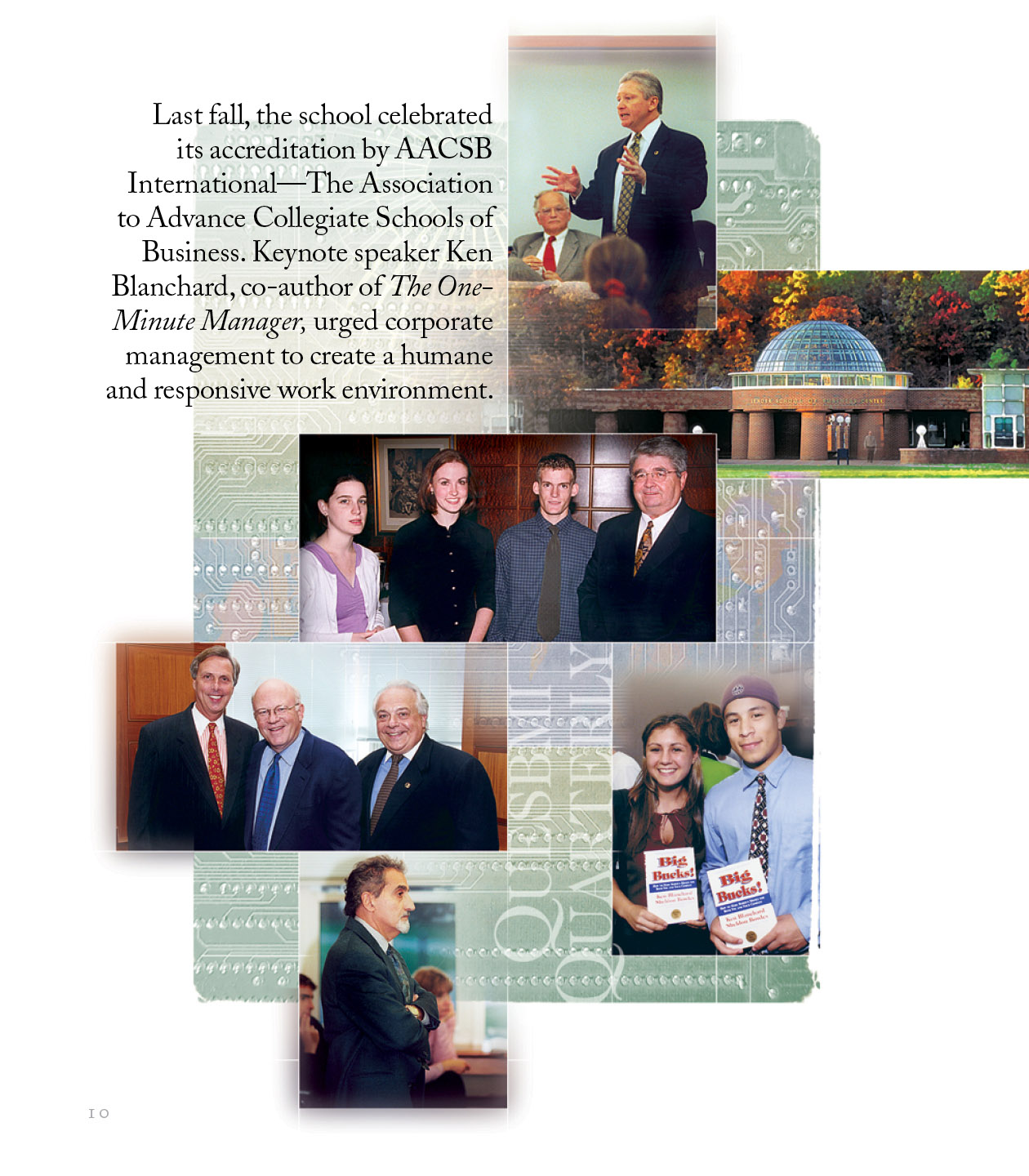
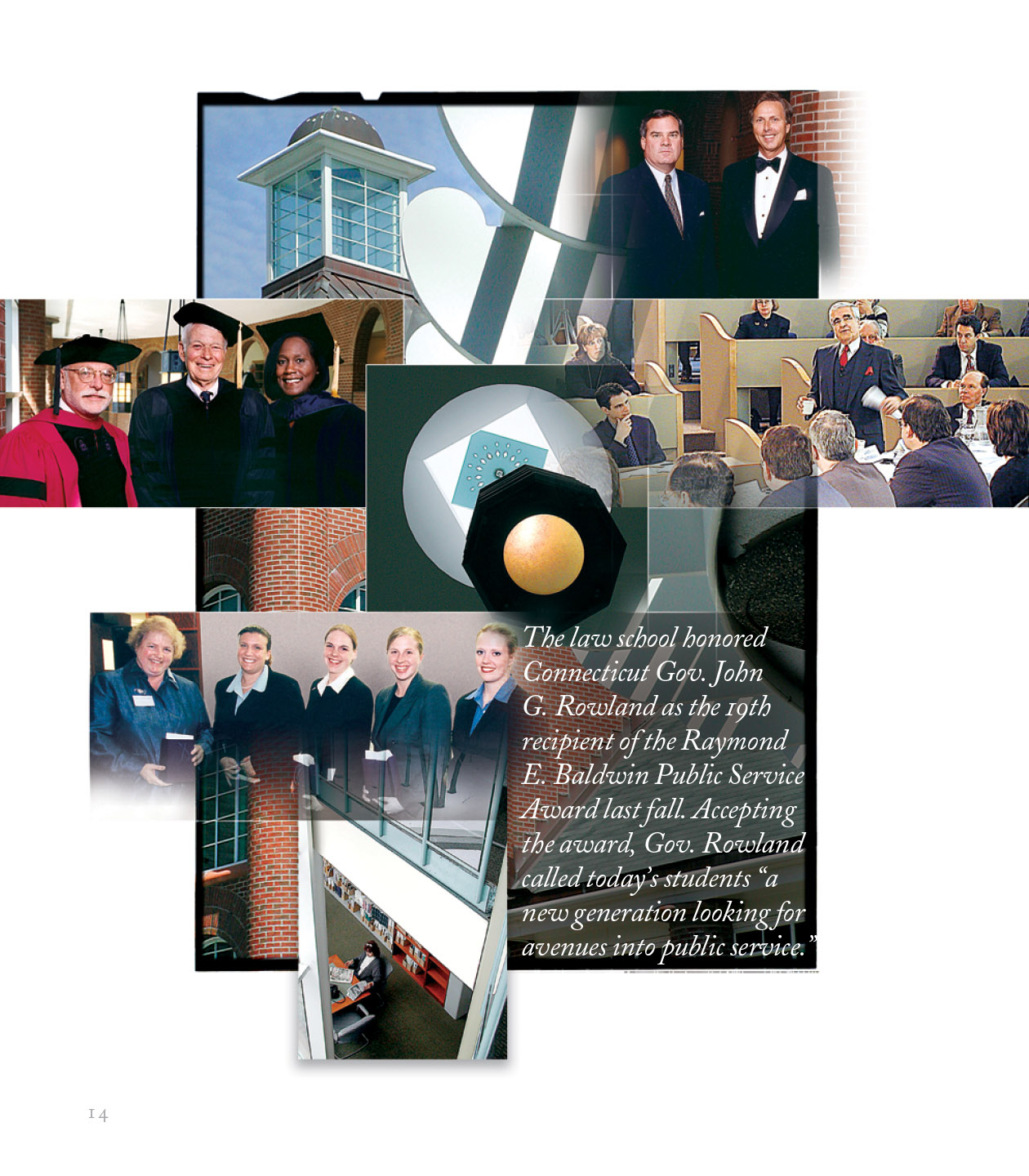
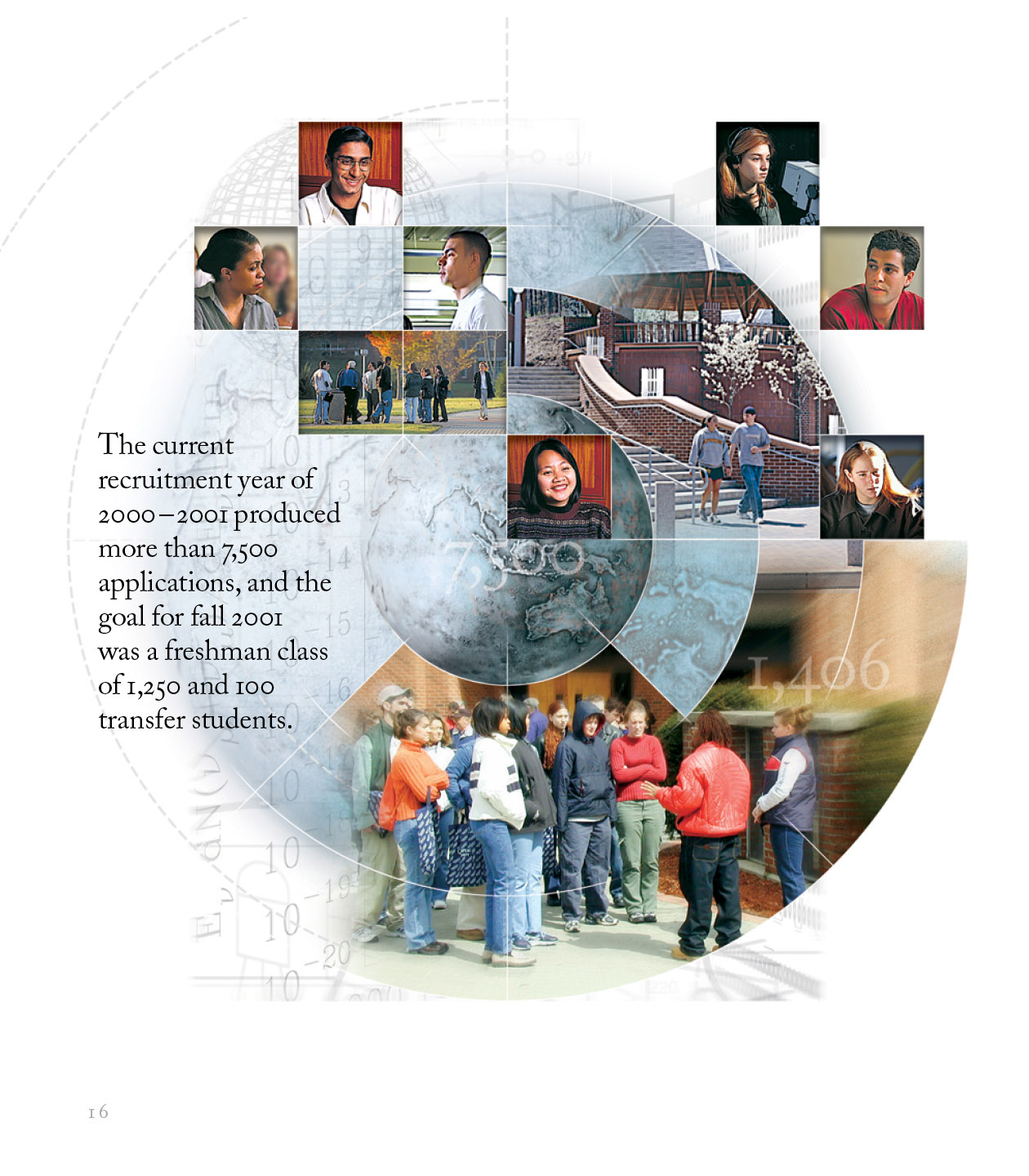
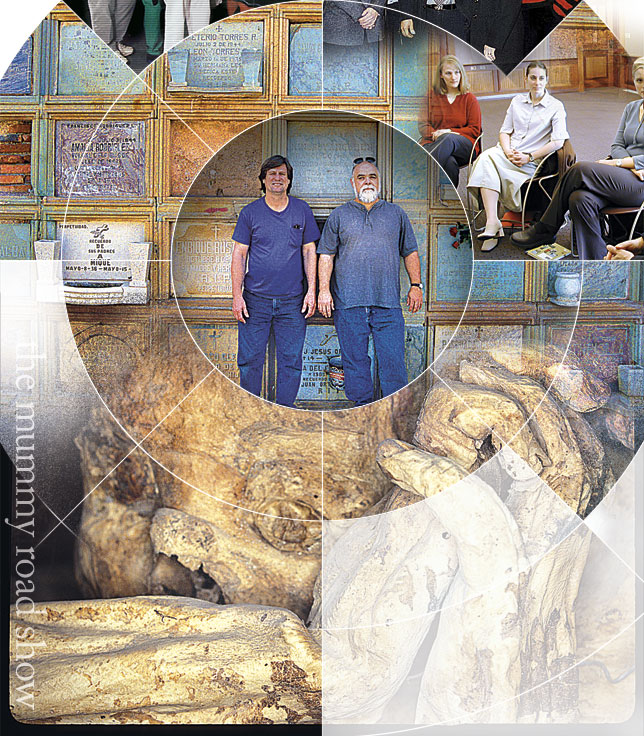
On this project for Quinnipiac University, I used Photoshop’s layers and masks extensively. Some images have as many as 20 layers and masks. Layers and masks are the fundamental building blocks of non-destructive editing, allowing you to manipulate and build complex images without permanently altering your original files. Layers act as stacked sheets of transparent glass; each piece of text, photo, adjustment, or graphic sits on its own distinct level. This visual hierarchy lets you edit, move, transform, or adjust the opacity of a single element independently, without disturbing the artwork beneath or above it. Masks work hand-in-hand with layers to control transparency and visibility using grayscale values. Instead of using the eraser tool to permanently destroy pixels, applying a layer mask lets you hide parts of a layer using black paint and reveal parts using white paint—with shades of gray creating soft, semi-transparent blends. By pairing layers with masks, you gain total freedom to combine photos, isolate complex objects, and fine-tune selective adjustments while keeping every edit completely reversible at any point in your design process.
Details of Photoshop’s Layers and Masks to Create a Complex Montage
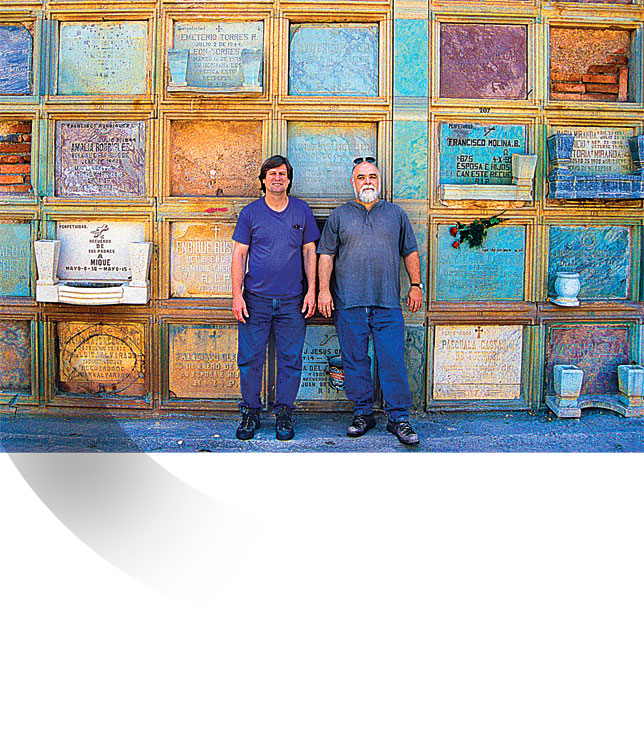
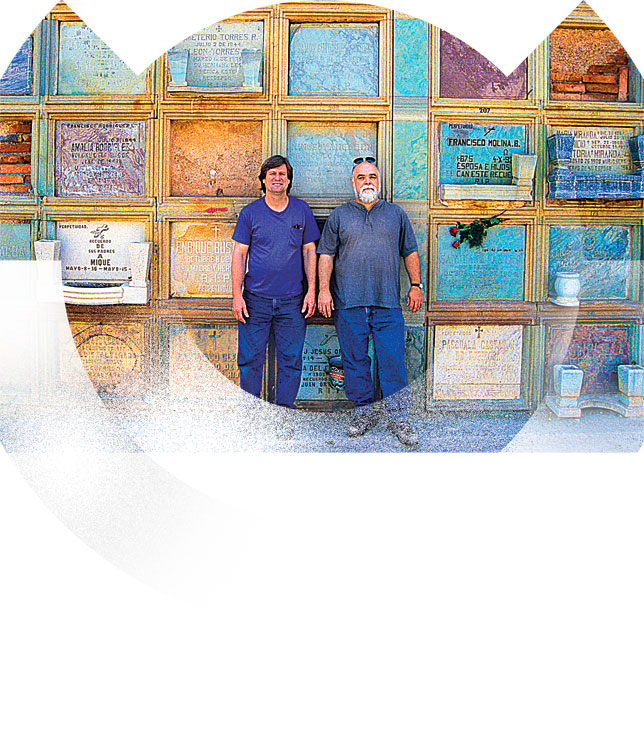
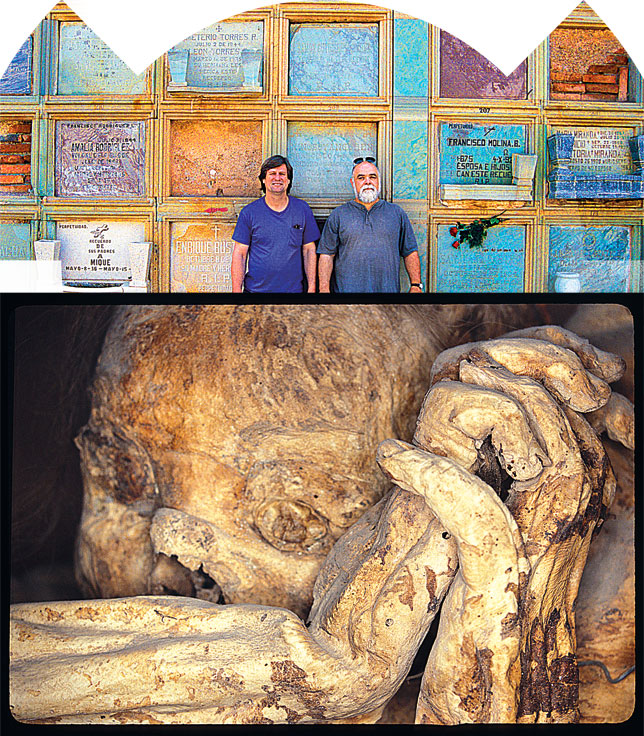
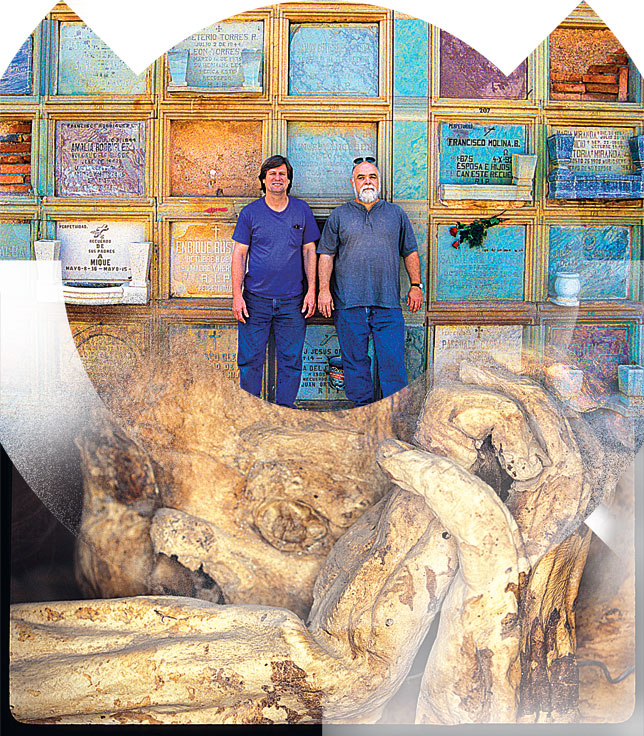
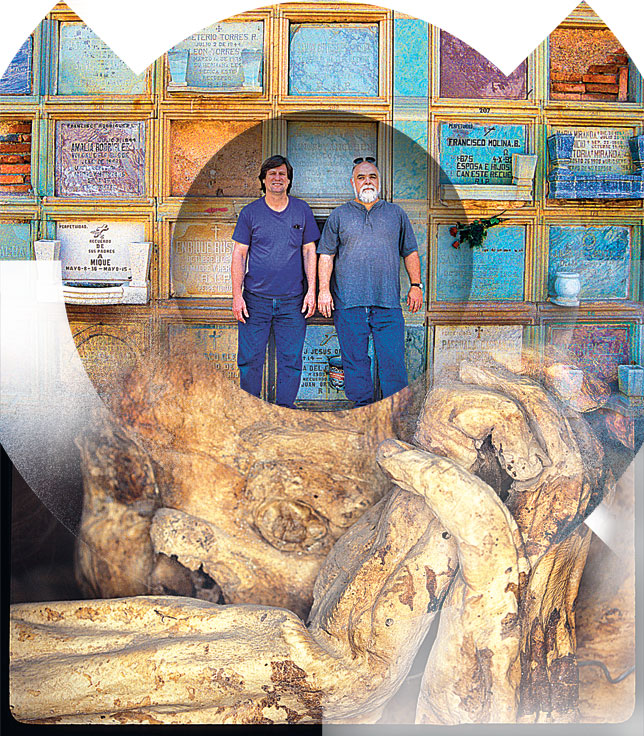
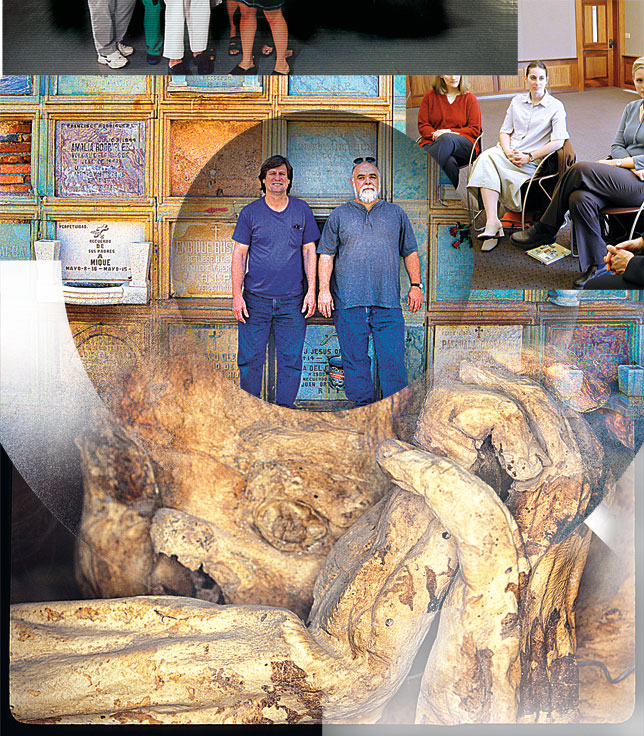
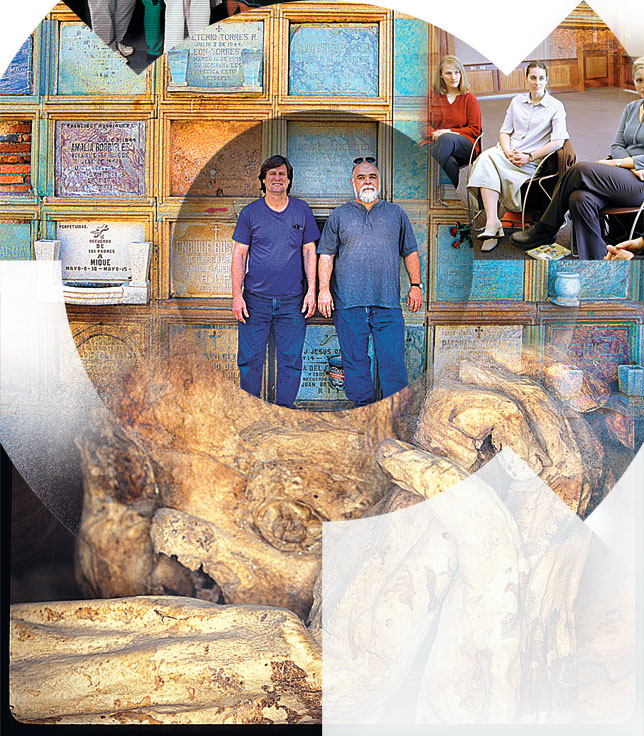
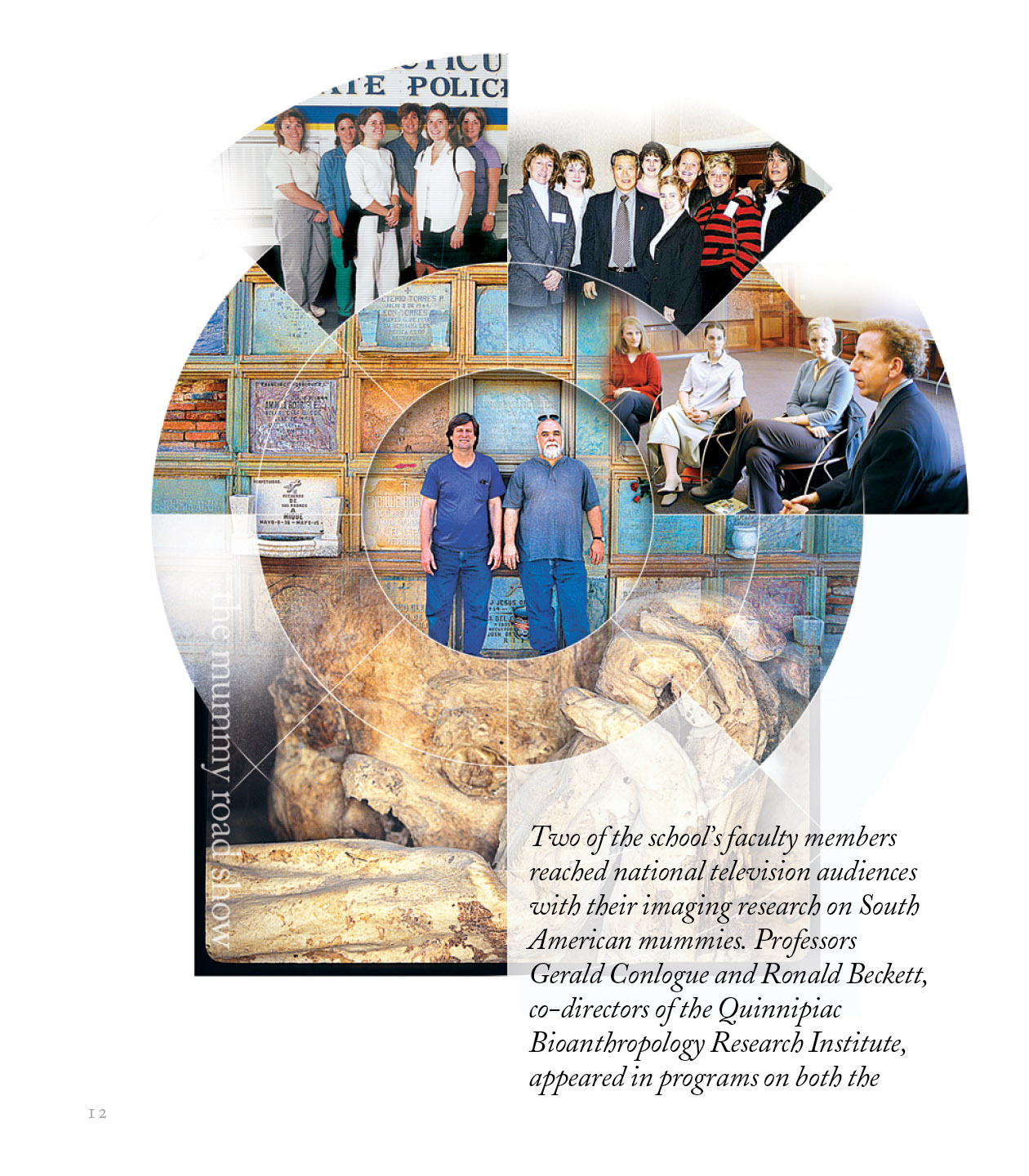
All of the Final Versions of the Montages Placed in InDesign