QU Layers Masks 1
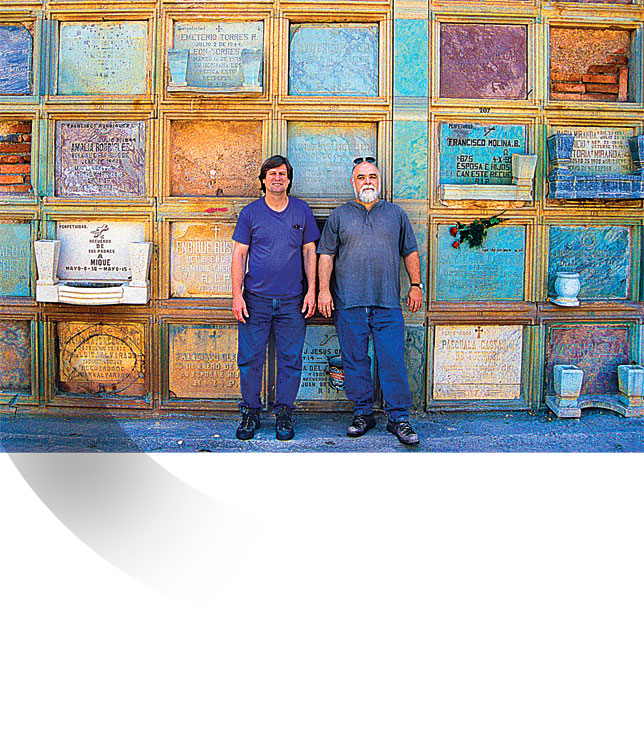
Above: After creating an elaborate series of layers and masks, I placed the main image and added the gradation in the lower left using one of my masks.
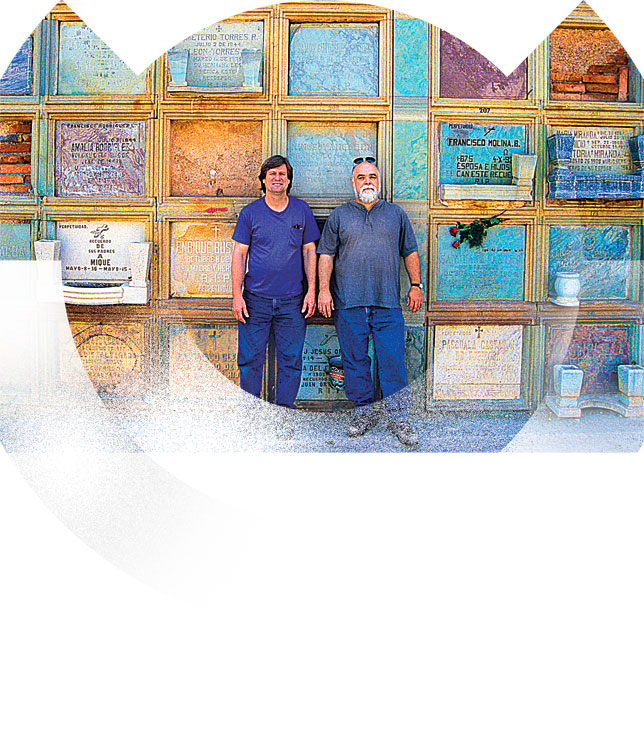
Above:Using my layers and masks, I added shapes with various degrees of gradients and solid areas.
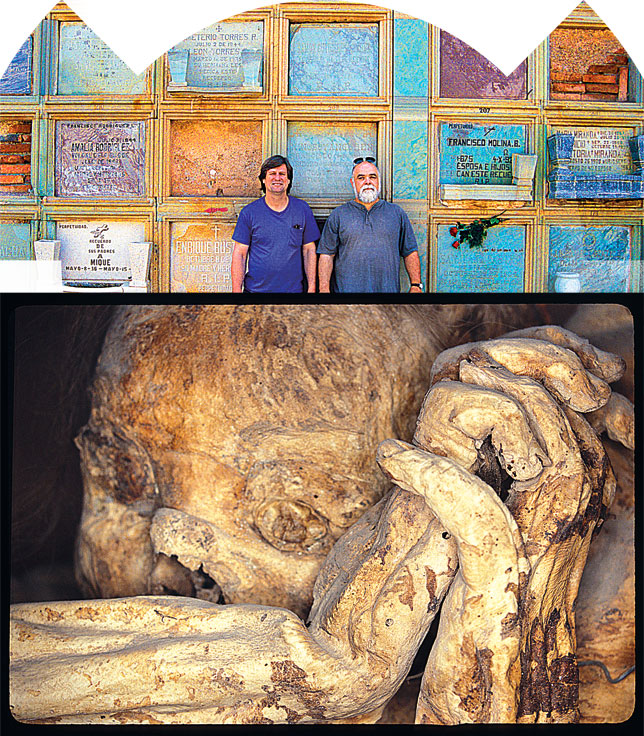
Above: I placed the mummy image approximately where I wanted it.
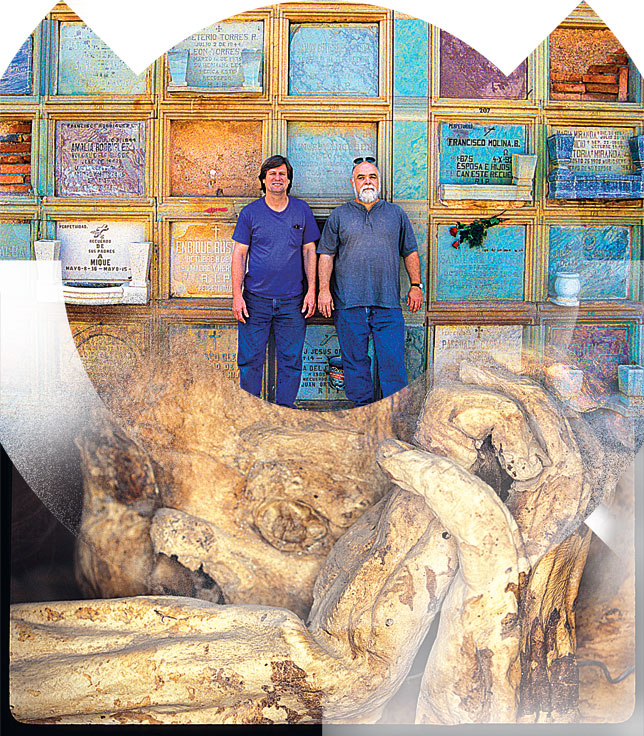
Above: Using my masks and layers, I began added gradients and shapes to the mummy image.
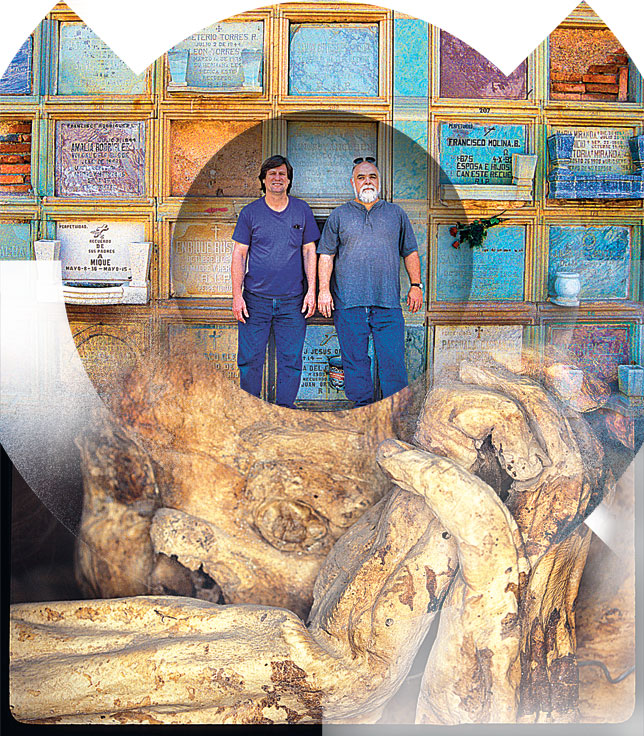
Above: I added more gradients and shapes to different layers.
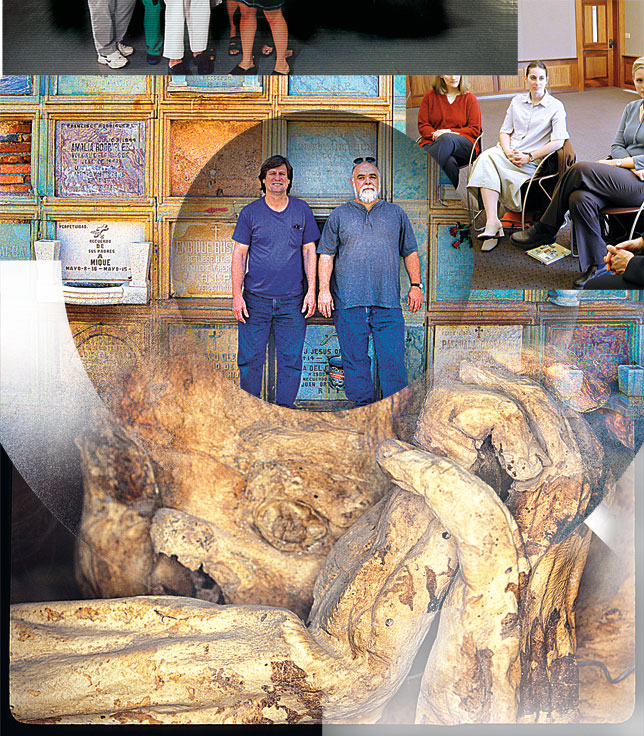
Above: I added the two top images.
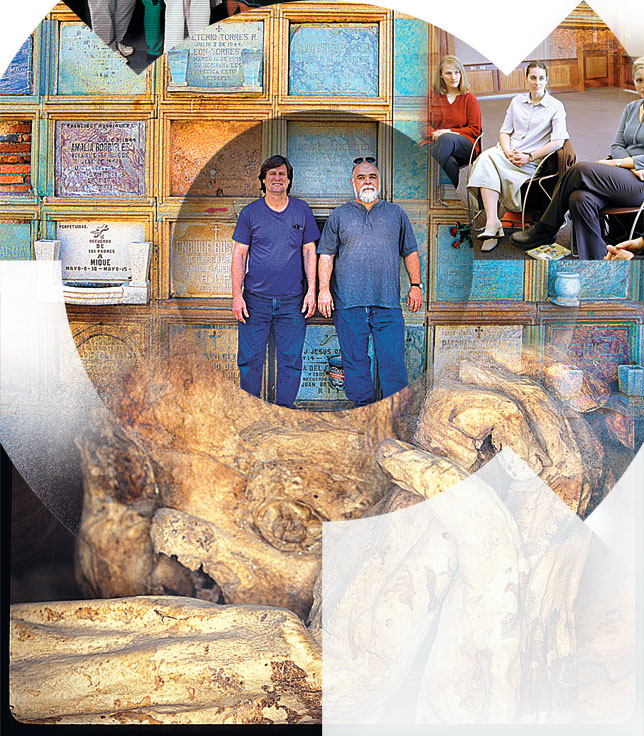
Above: I added more layers and masks to the various images.
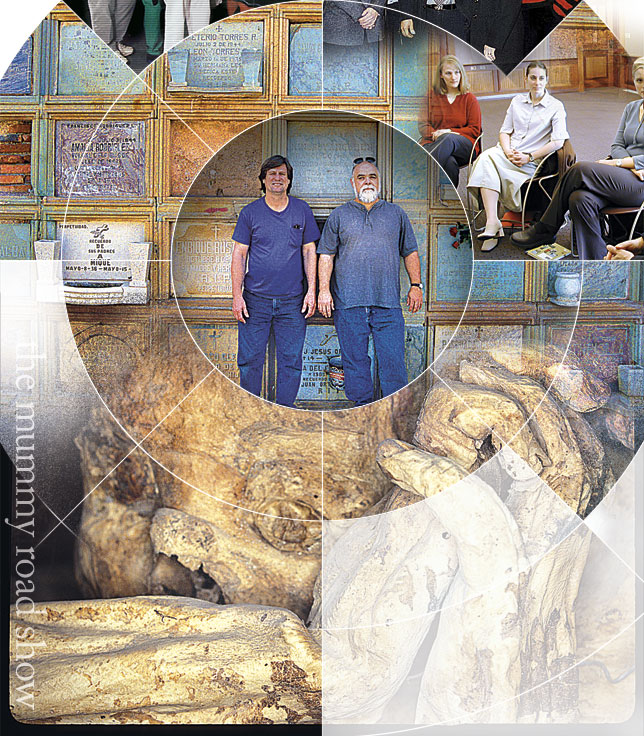
Above: I added the white lines each of which is on its own layer. I then added the text in the lower left and adjusted the transparency on the images.
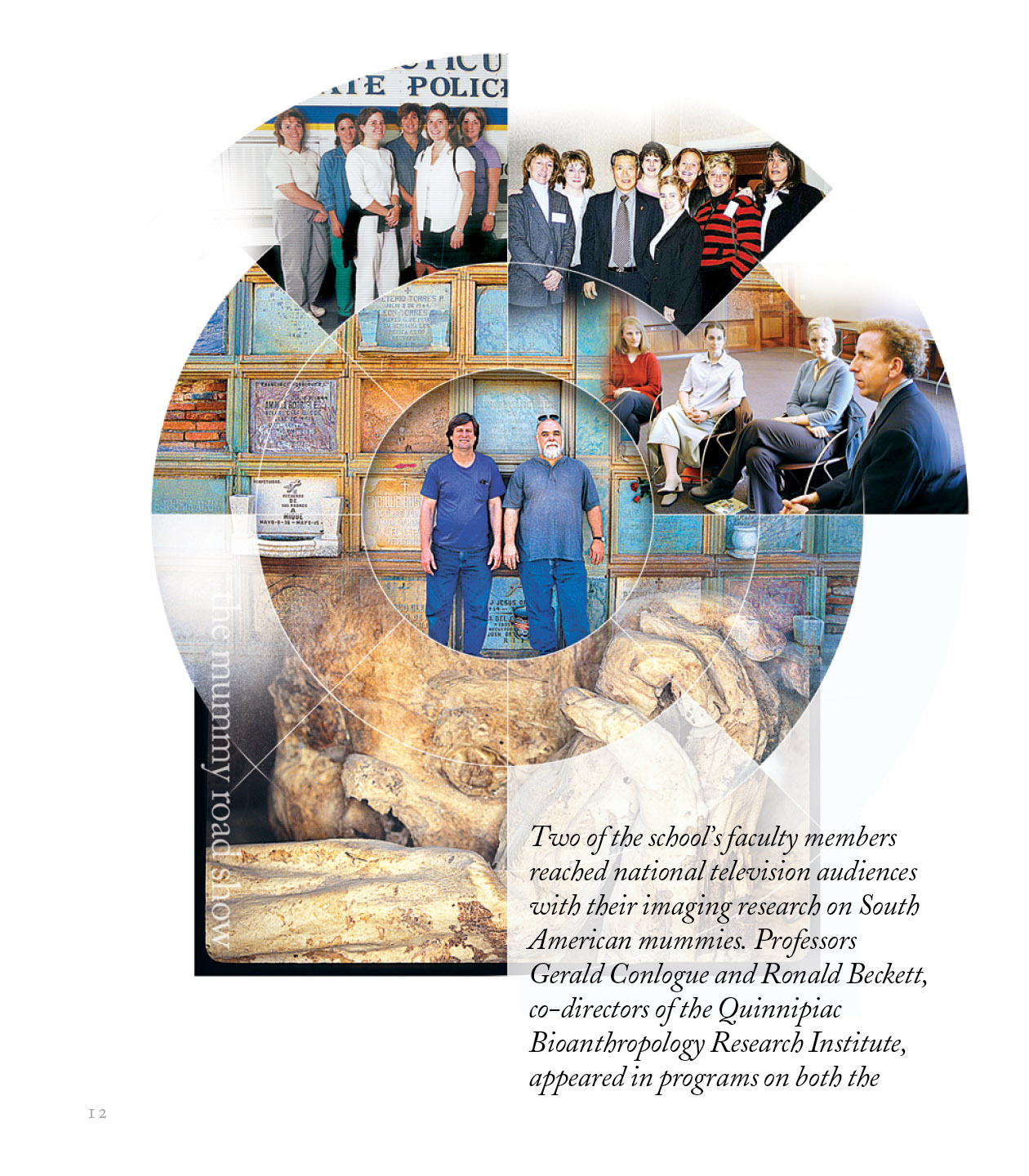
Above: The final Photoshop montage placed in InDesign. I added the text.
