





Graphic Design Building Blocks 
Graphic Design Building Blocks: Vector Images
Paul Rand
Vector graphics are indispensable tools for graphic designers due to their unparalleled scalability and precision. Unlike raster images composed of pixels, vectors are constructed from mathematical equations, allowing them to be resized infinitely without compromising quality. This makes them ideal for creating logos, icons, and illustrations that must maintain clarity across various mediums and dimensions. Additionally, vector graphics offer exceptional editing capabilities, enabling designers to effortlessly modify shapes, colors, and lines, ensuring consistent and professional results. Their compact file size and compatibility with diverse software further contribute to their efficiency and versatility in the design process.
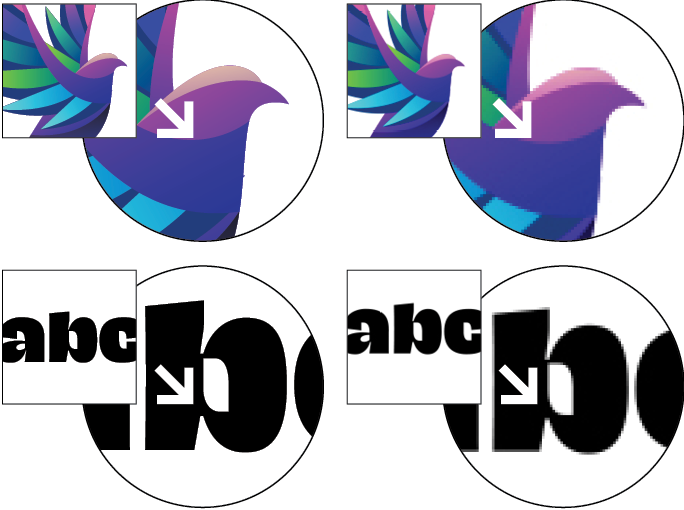
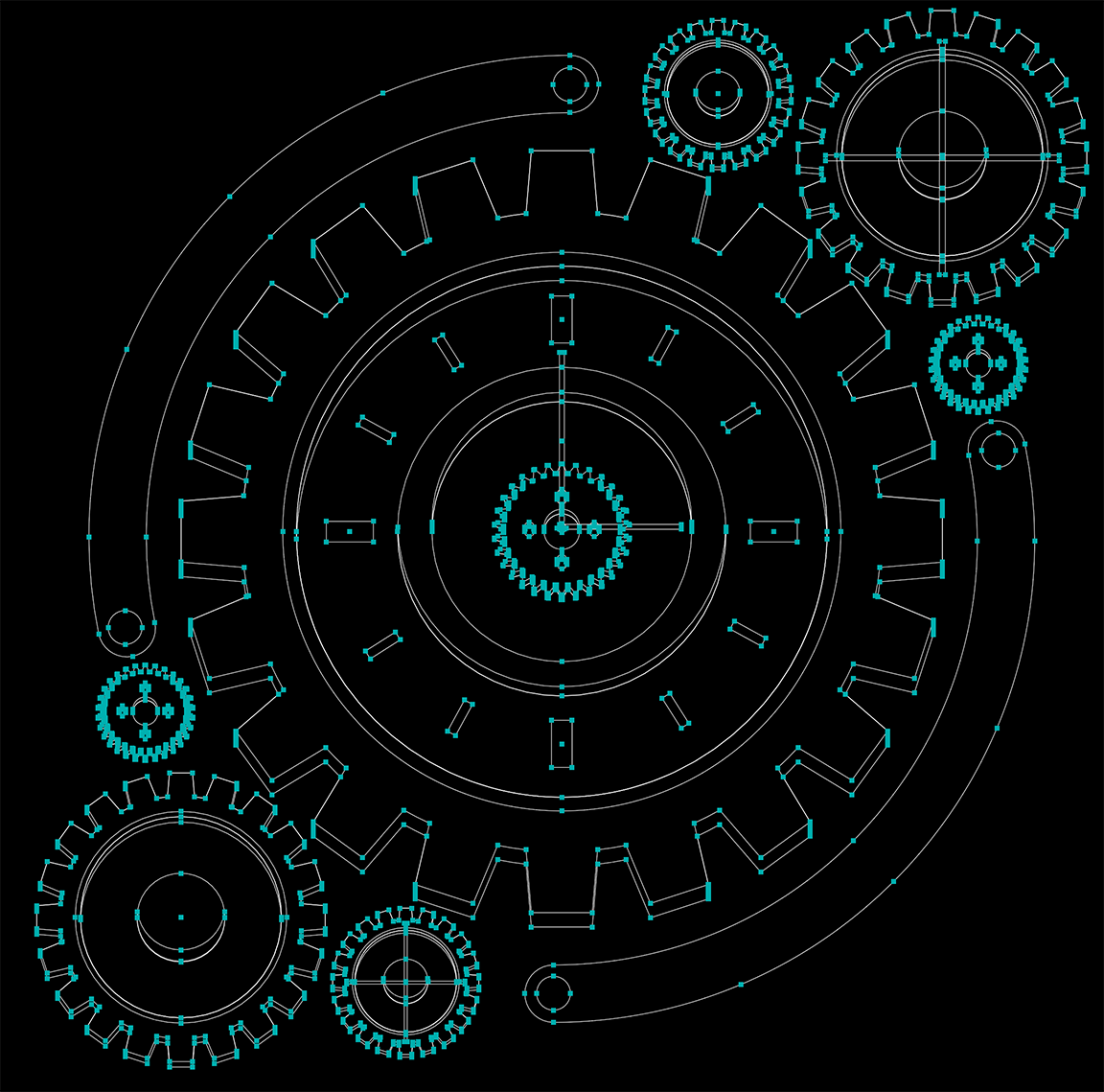
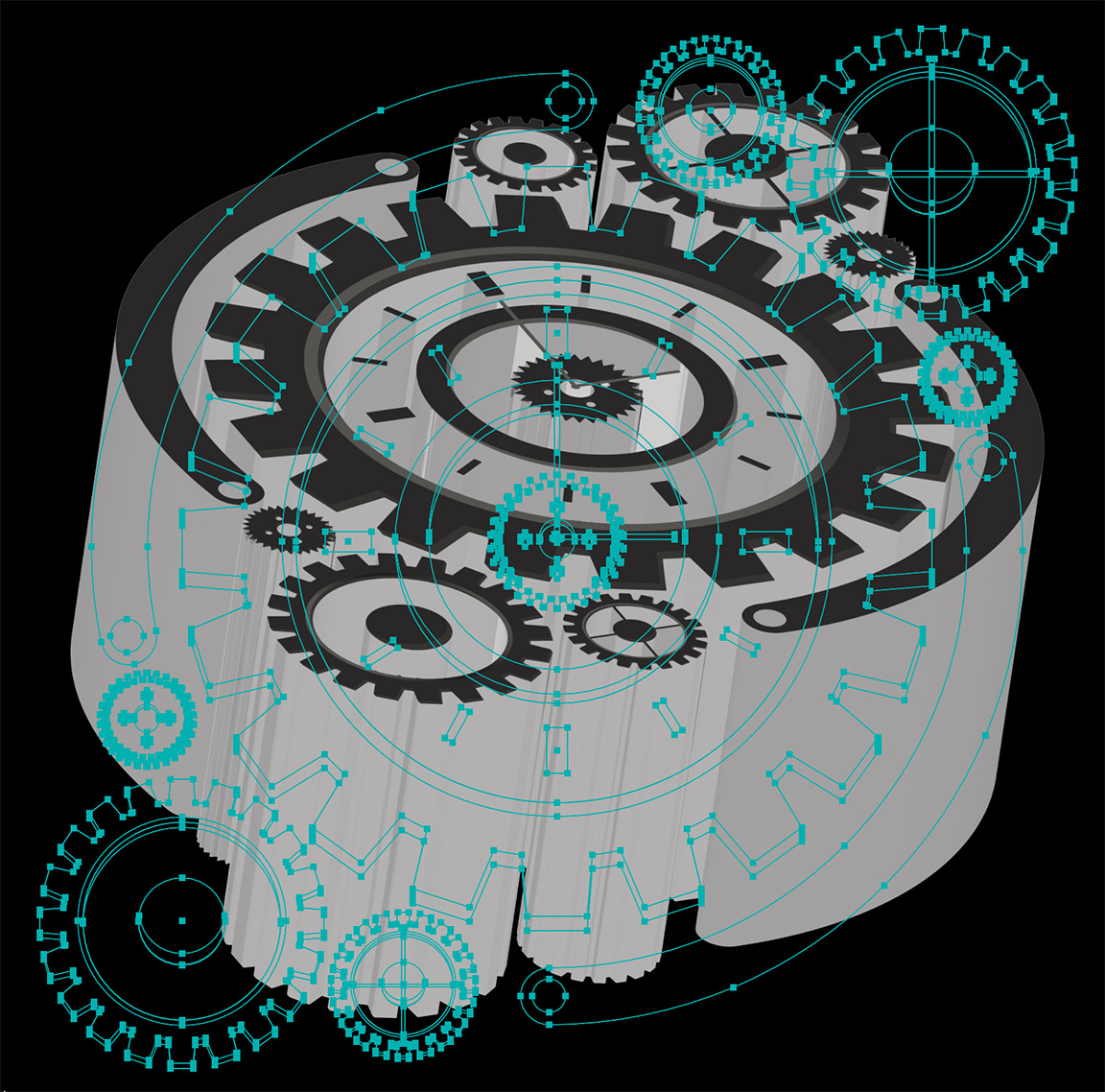
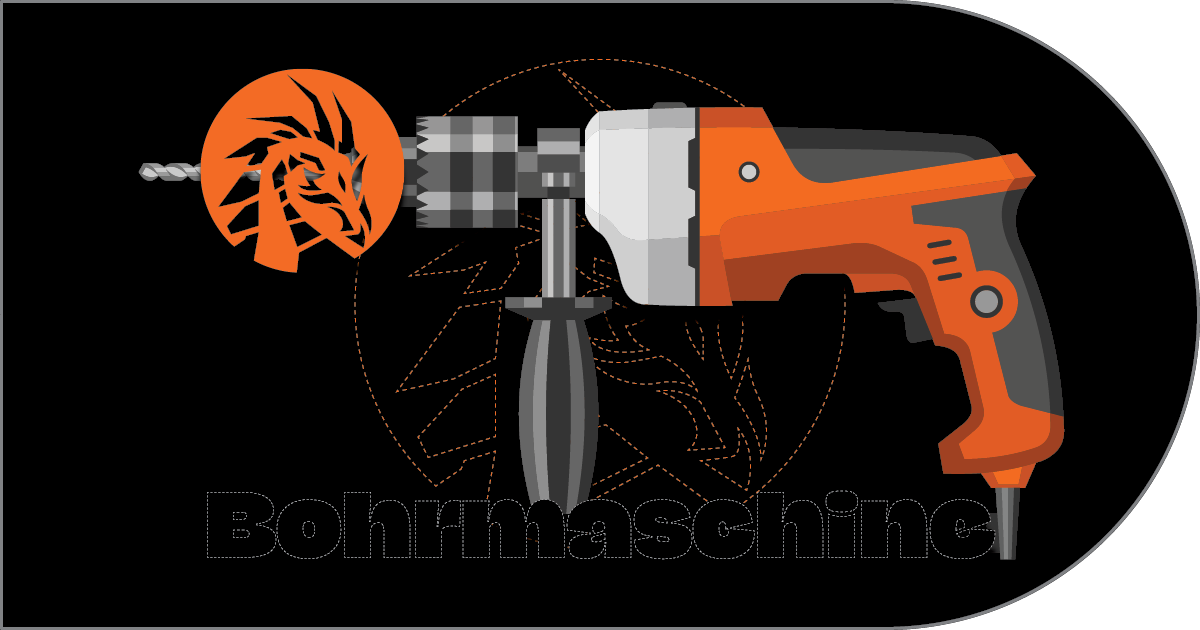
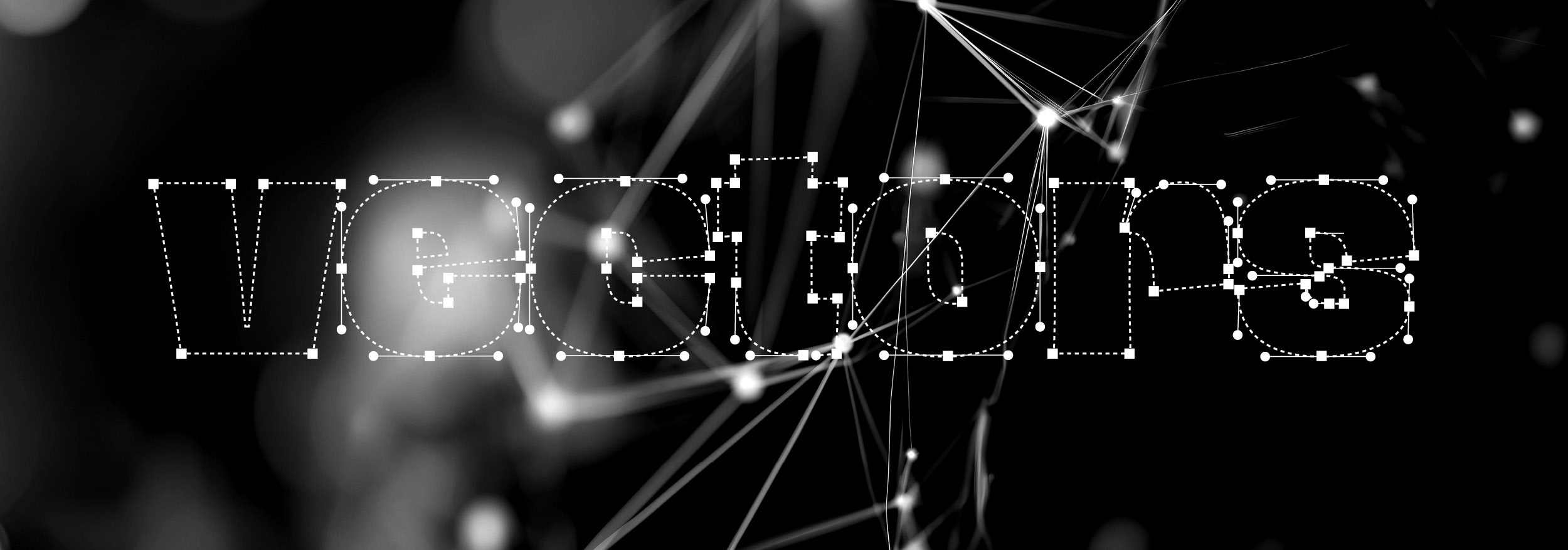
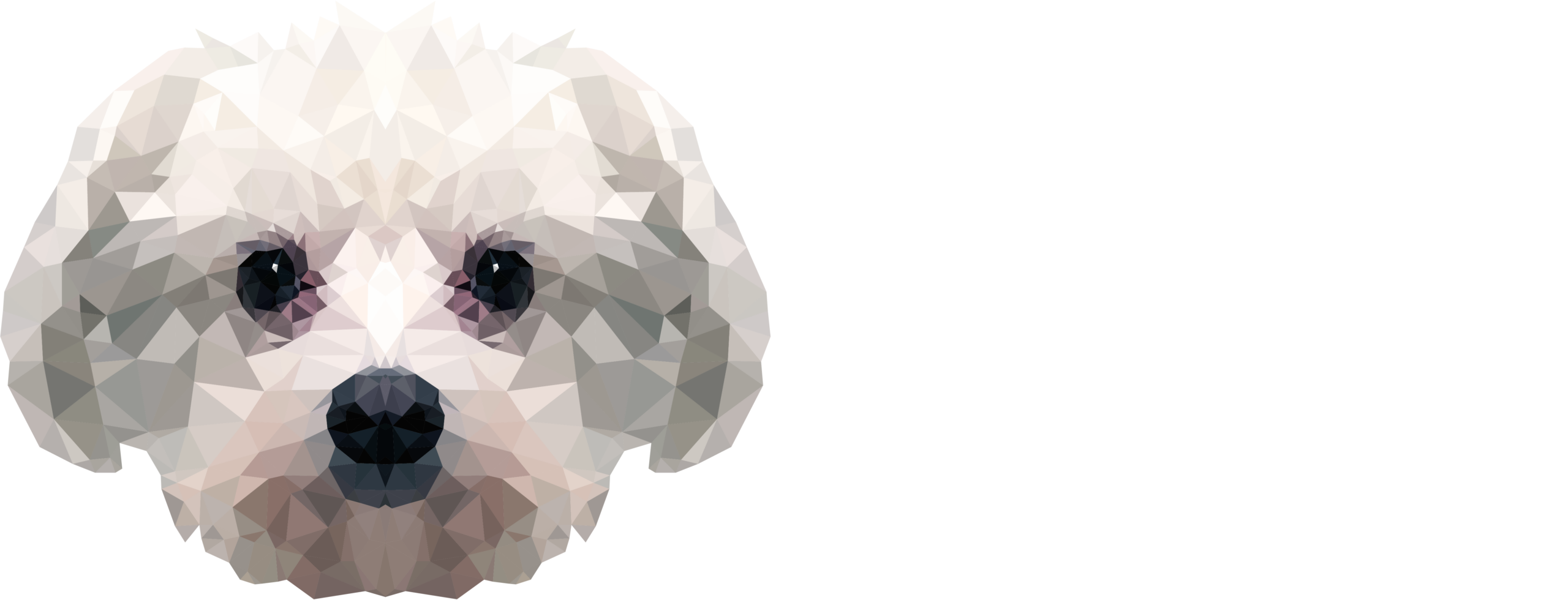
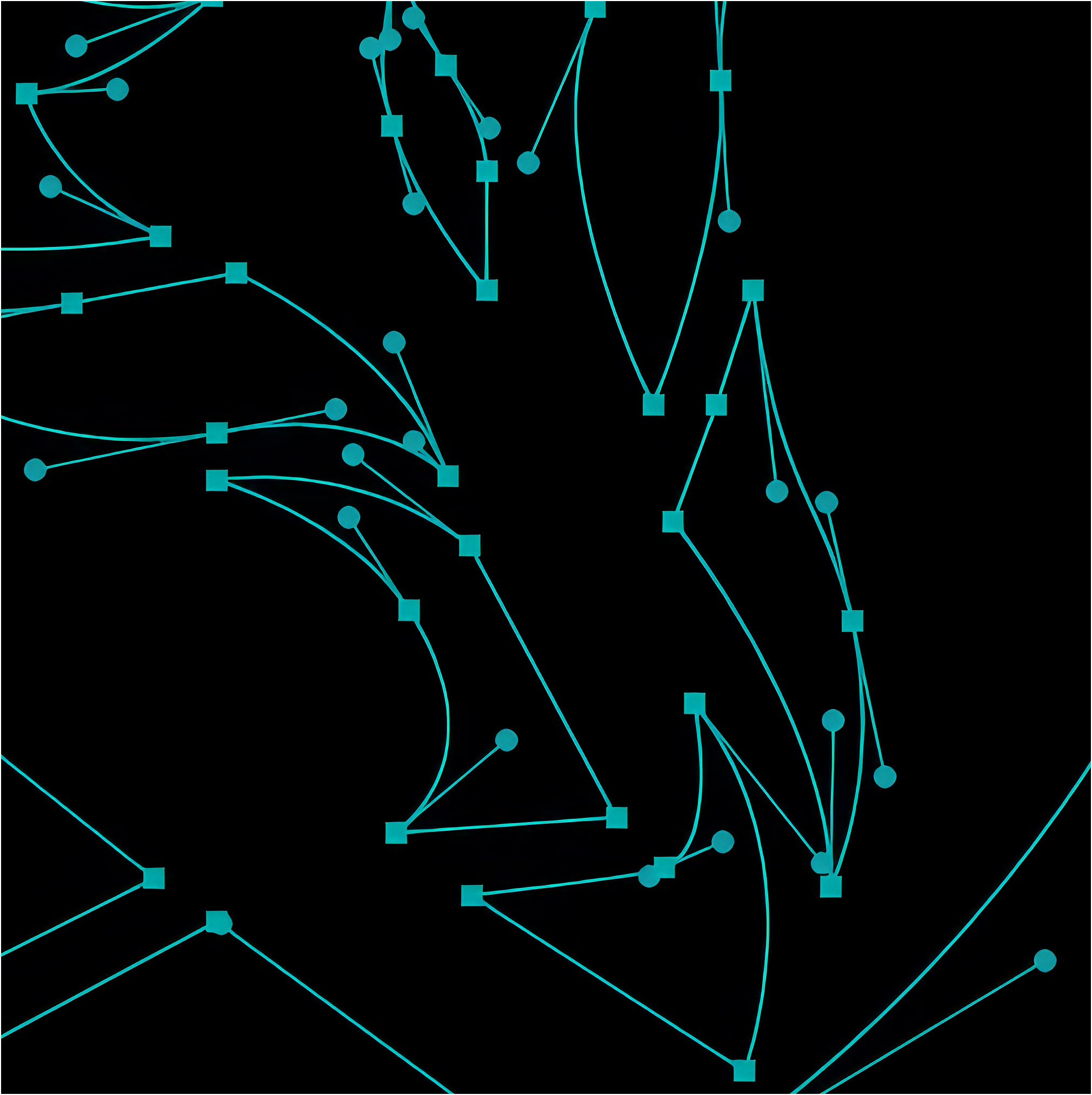
Above: In this building block,we’ll explore vector graphics (such as EPS and Adobe Illustrator .ai files) and how they differ dramatically from bitmp graphics (such as GIF or JPEG Adobe Photoshop file). Above a comparison showing that vectors can enlarge or decrease size infinitely without loss of quality. While raster (bitmaps) lose sharpness the larger they go. Below: An Adobe Illustrator file enlarged and with “handles” and points displayed.
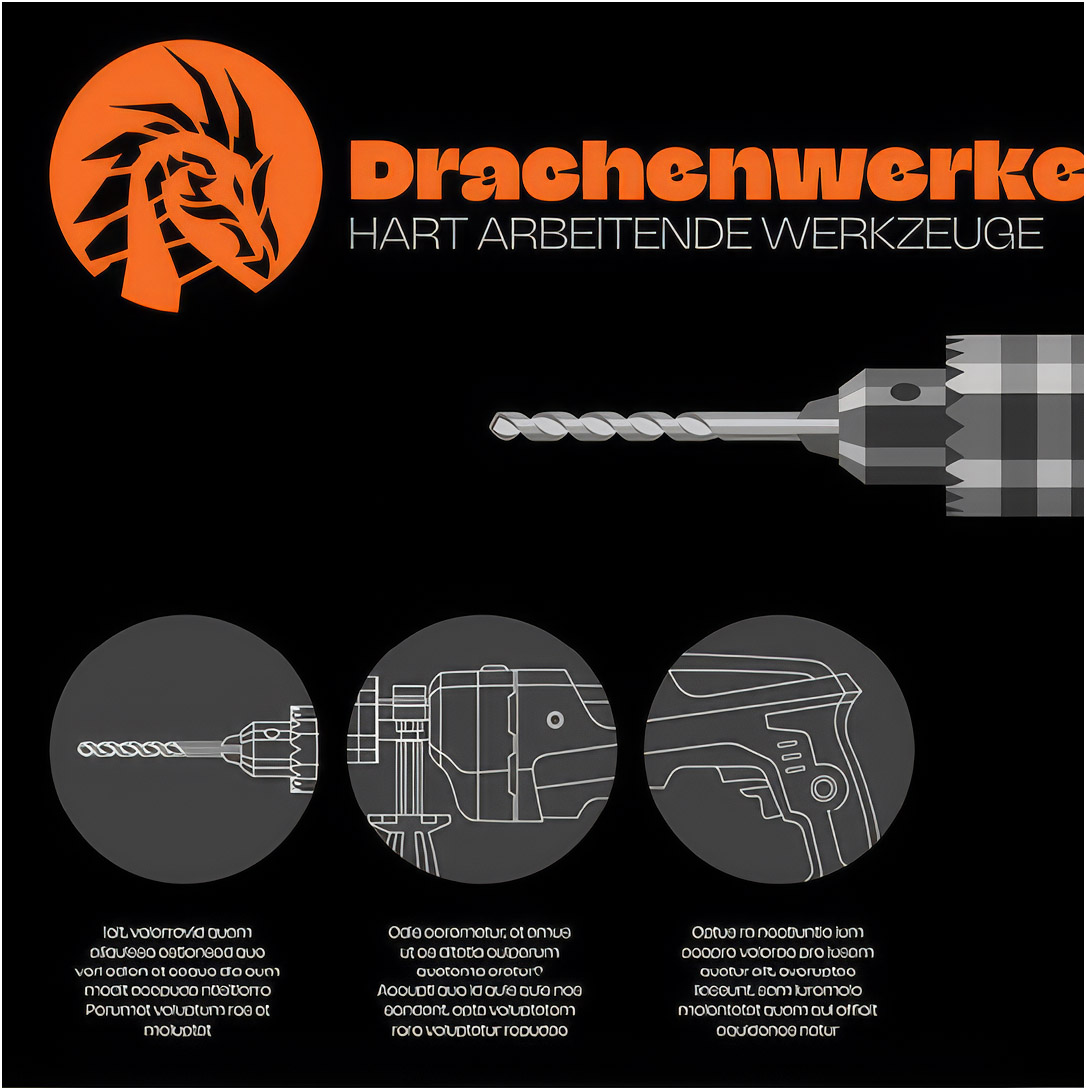
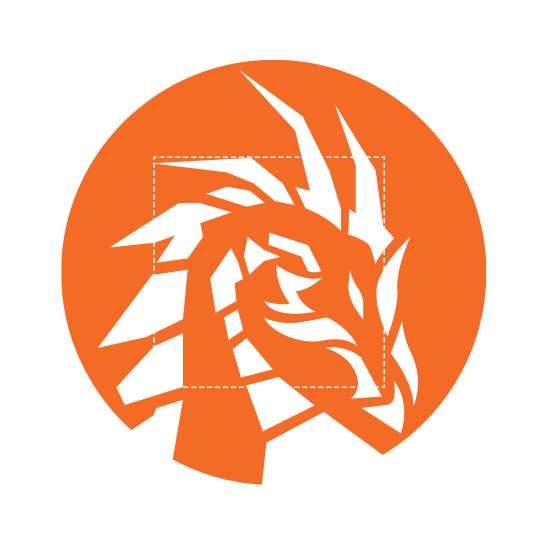
Vector and bitmap graphics are two fundamental image formats with distinct characteristics. Vector graphics are composed of mathematical equations defining lines, curves, and shapes, allowing for infinite scalability without compromising quality. This makes them ideal for logos, illustrations, and designs that require resizing or printing at various dimensions. Conversely, bitmap graphics are constructed from a grid of pixels, offering exceptional detail for photographic images. However, enlarging bitmap images often results in pixelation due to the fixed nature of the pixel grid. As a result, bitmaps excel in capturing realistic visuals but are less suitable for designs demanding flexibility and scalability.

Learn More About the Building Blocks of Graphic Design
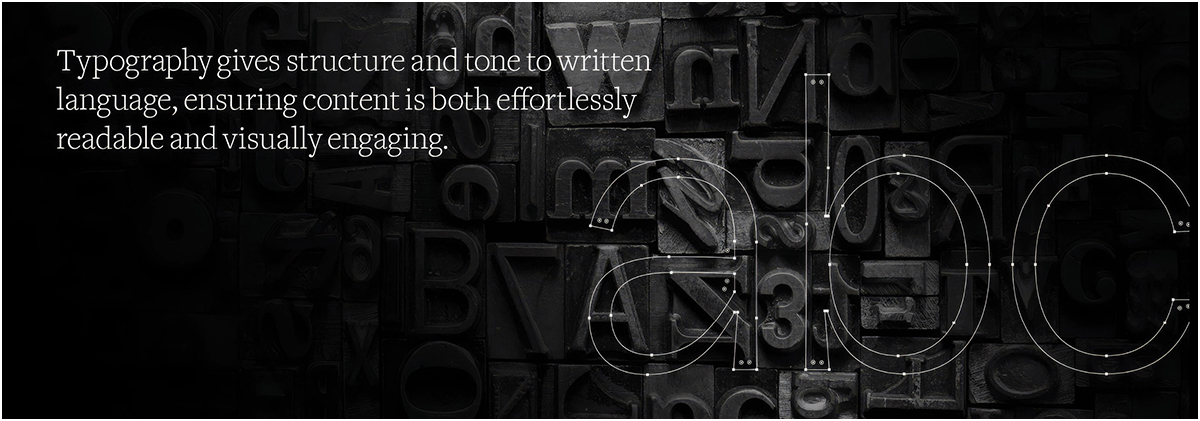
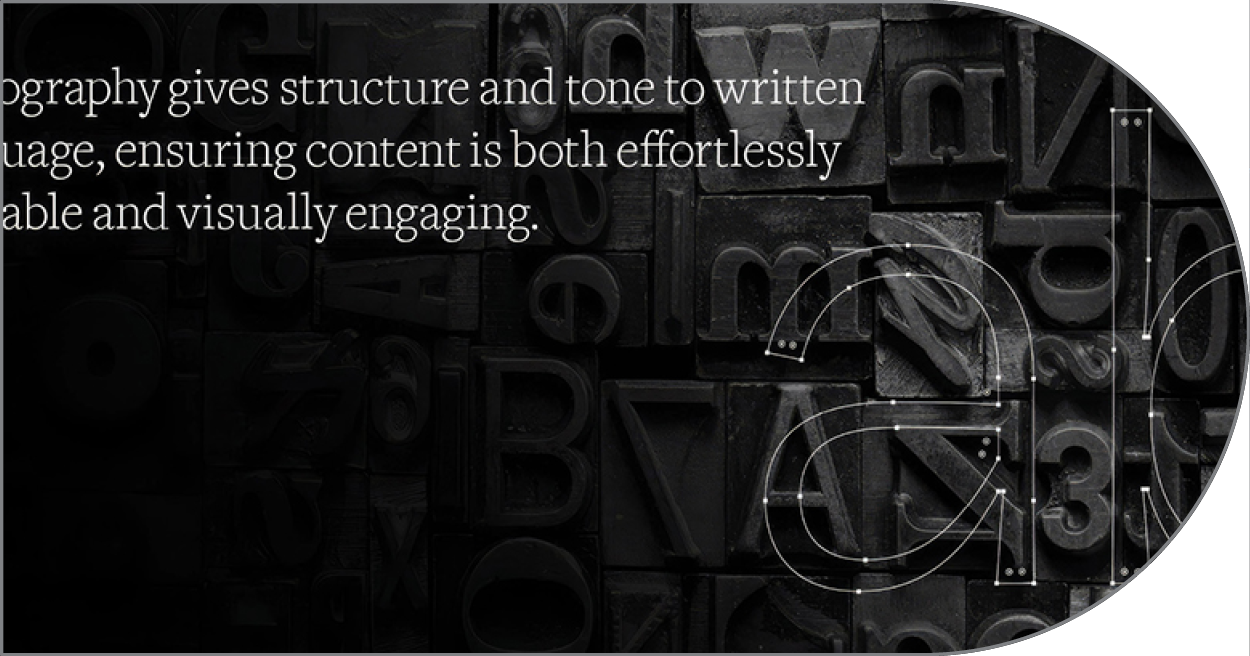
As the strategic backbone of graphic design, typography seamlessly weaves structural hierarchy, psychological tone, and expressive visual form into written text, empowering designers to deliver clear, legible information.
Graphic design provides the structured framework of layout, typography, and color strategy, while photography feeds that structure with compelling real-world imagery, together forming a seamless visual medium.
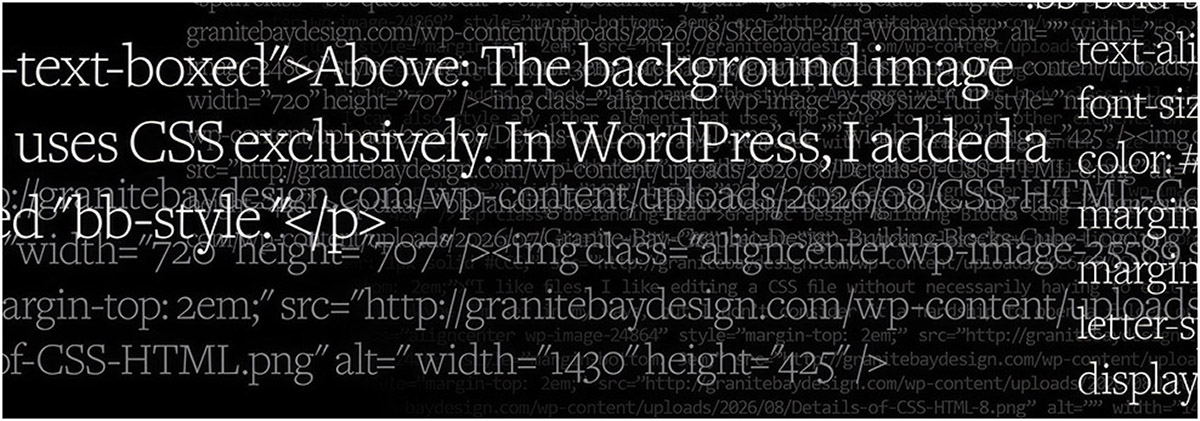
Serving as the structural foundation and visual skin of the digital web, HTML and CSS transform raw digital information into dynamic, accessible layouts by pairing clean document architecture with precise stylistic control over layout, color, responsiveness, and interaction design.
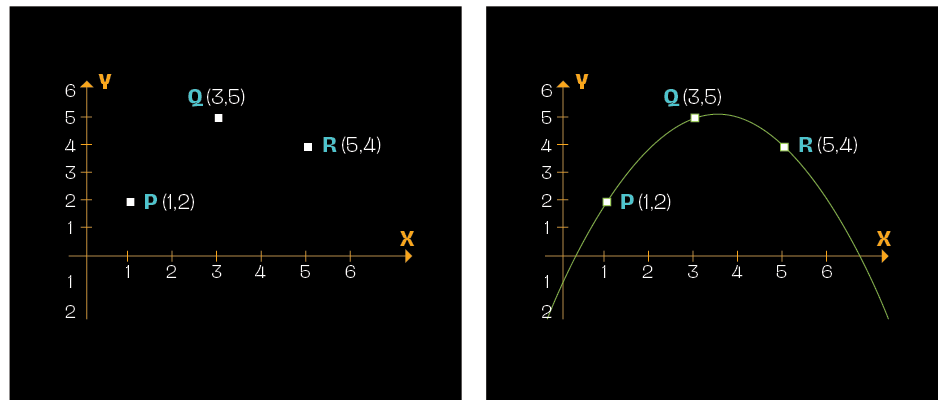
Vector graphics represent images using mathematical equations based on points in a coordinate system. Instead of defining every pixel, like in bitmap graphics, vector graphics describe shapes using geometric primitives such as points, lines, and curves. These primitives are defined by a limited set of key points called vertices. For instance, a square can be fully represented by the coordinates of its four corners. This mathematical approach allows vector graphics to be scaled infinitely without losing quality, making them ideal for logos, illustrations, and designs that require resizing.
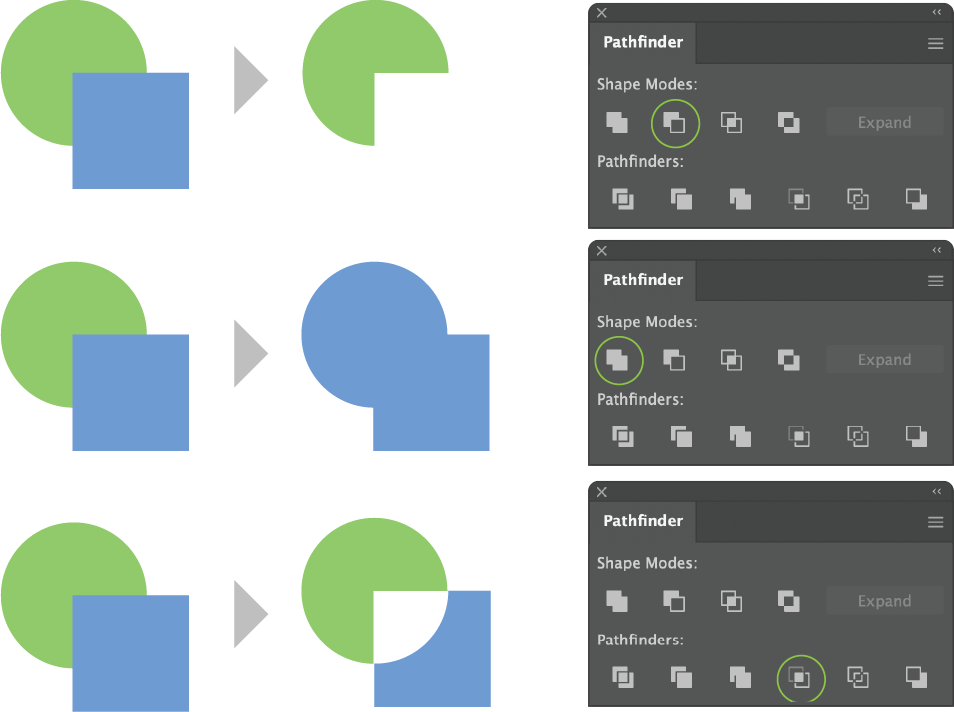
Above: The Pathfinder panel in Adobe Illustrator is an essential vector editing toolset designed to combine, subtract, slice, and intersect overlapping geometry to build complex artwork from simple primary shapes. Organized into two primary sections—Shape Modes (Unite, Minus Front, Intersect, Exclude) and Pathfinders (Divide, Trim, Merge, Crop, Outline, Minus Back)—it allows graphic designers to merge multiple vector objects into single outlines, cut foreground objects out of background layers, or fragment overlapping artwork into separate editable segments. While Shape Modes focus on creating solid unified paths or compound shapes (which can remain non-destructively editable when holding the Option/Alt key during application), Pathfinder functions act at the path level to slice vector boundaries along intersecting lines into distinct paths. Consequently, Pathfinder is a cornerstone tool for logo construction, iconography, and precision vector illustration, allowing designers to bypass manual Pen tool tracing in favor of fast, mathematically exact shape manipulation.
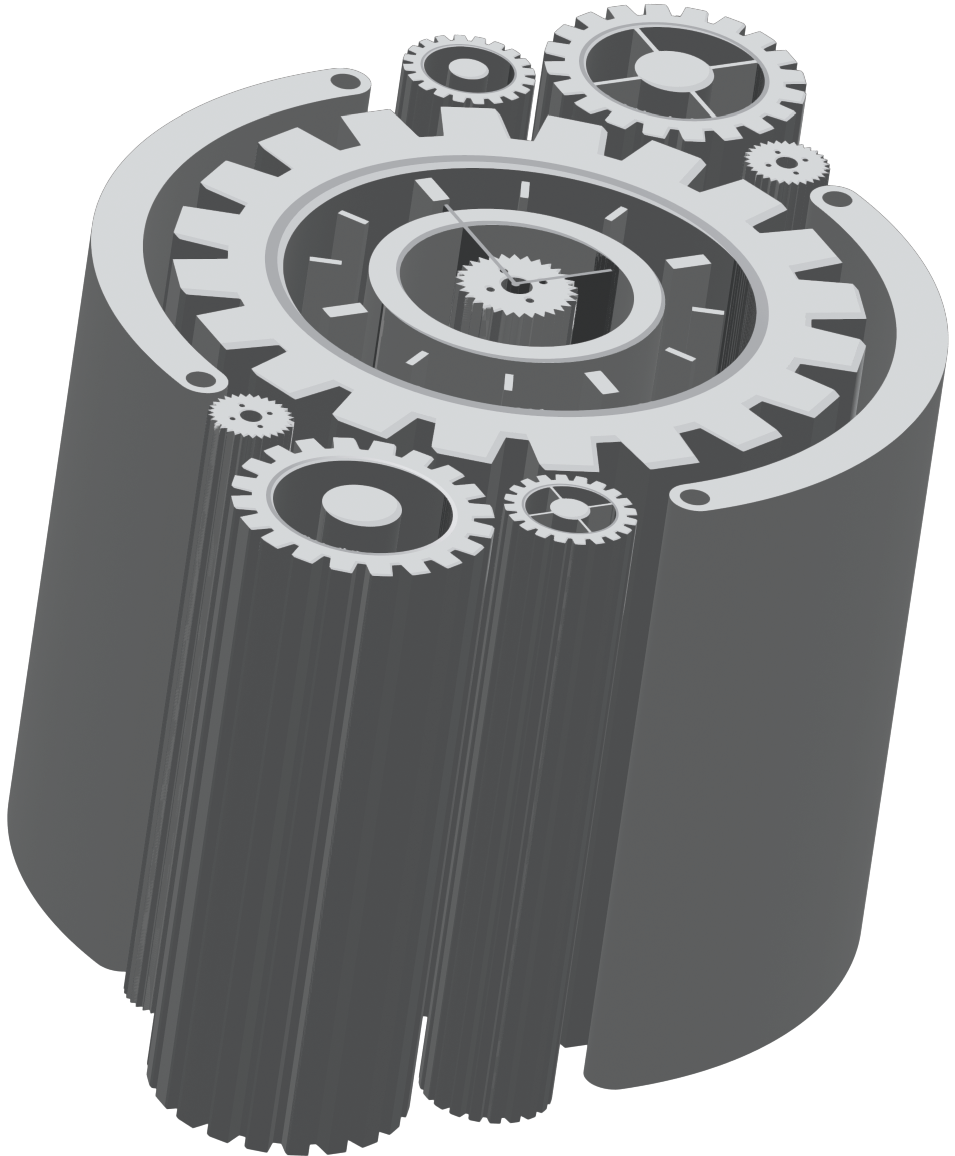
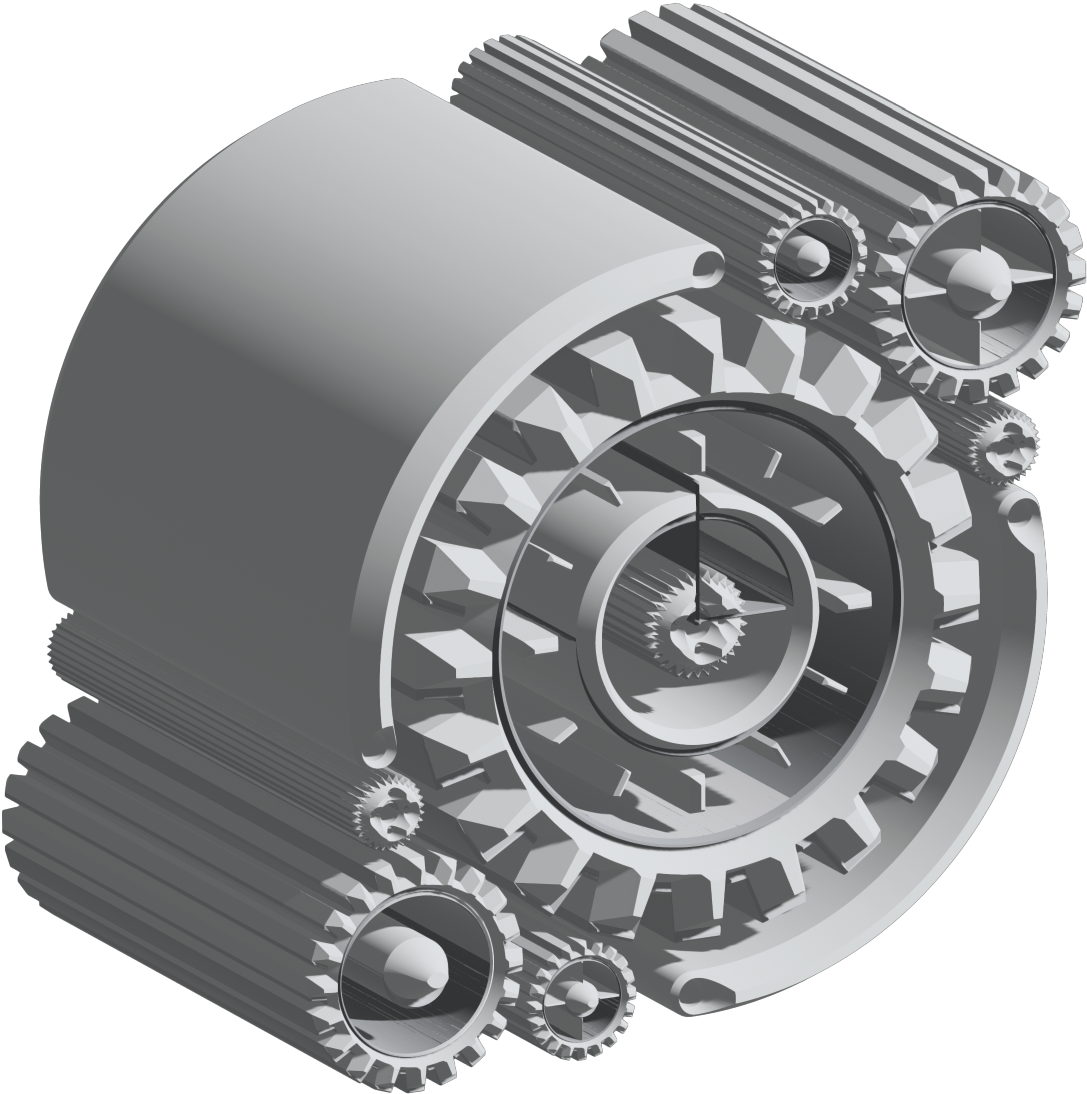
Below: The 3D and Materials panel in Adobe Illustrator enables designers to transform flat 2D vector paths into realistic, fully rendered three-dimensional objects directly within a vector workspace. Built around four primary object modes—Extrude (extending 2D paths along a Z-axis to build depth), Revolve (sweeping a vector profile around an axis to create cylindrical or spherical objects), Inflate (expanding flat shapes into soft, pillow-like volumetric forms), and Plane (orienting 2D artwork on a 3D plane)—the toolset bridges flat vector illustration with spatial rendering. Designers can adjust lighting intensity, position, and soft drop shadows, as well as apply Adobe Substance 3D materials (such as metals, woven textiles, leather, or plastics) to geometric surfaces. Combined with GPU-accelerated ray tracing and real-time graphics mapping, Illustrator’s 3D features streamline the creation of product packaging, dimensional typography, brand mockups, and isometric illustrations without requiring standalone 3D modeling software.