





Graphic Design Building Blocks 
Graphic Design Building Blocks: CSS & HTML
Jeffrey Zeldman
Graphic design serves as the creative blueprint for digital experiences, establishing the visual identity and user interface before a single line of code is written. It encompasses core principles like color theory, typography, visual hierarchy, and spatial composition to guide a visitor’s eye naturally across a layout. Designers craft mood boards, wireframes, and high-fidelity mockups that set the emotional tone of a brand, ensuring that every interface is not only aesthetically pleasing but also intuitive, accessible, and aligned with user goals.

Learn More About the Building Blocks of Graphic Design



At the heart of graphic design lies creativity, an imaginative problem-solving process that transforms raw ideas into captivating visual concepts by harmonizing color, composition, and metaphor to communicate complex stories, break through digital noise, and inspire action.
Graphic design relies on vector graphics for logos, typography, and illustration because their mathematical, point-and-path construction allows visuals to scale infinitely.
hen using spot colors, printers use premixed custom inks—such as Pantone shades—to ensure exact color accuracy and consistency across different printed materials.
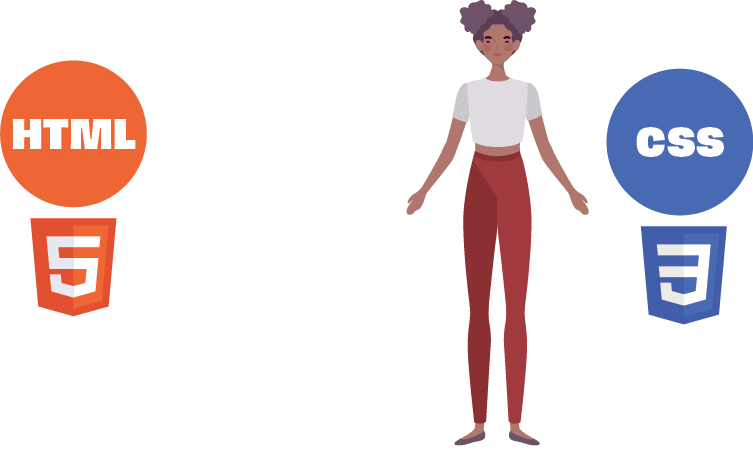
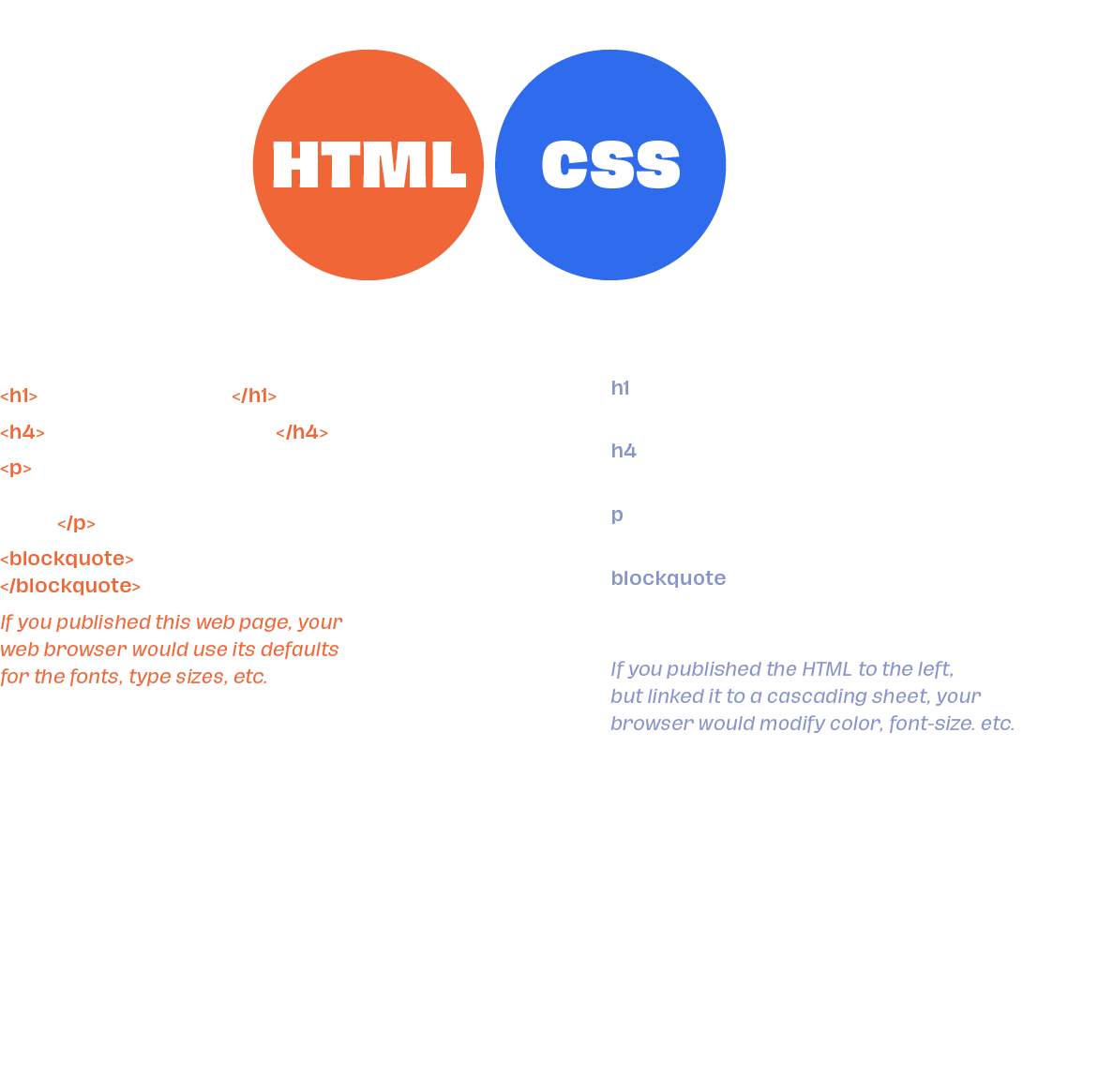
HTML (HyperText Markup Language) acts as the essential structural backbone that turns these static visual ideas into functional digital reality. By organizing raw content into semantic tags—such as headers, paragraphs, navigational menus, and media containers—HTML defines the meaningful architecture of a webpage. It ensures that content remains logically ordered and accessible to screen readers, search engines, and diverse web browsers, laying down the solid framework upon which all design elements are attached.


I can also style any other element that uses “bb-style” to pinpoint other elements on the page. That would be something like this: “body.bb-style p”. The </p> class is used extensively throughout the site, but my CSS will only apply to pages with “bb-style”…</>
Below: The background image (floating blocks) uses CSS exclusively. In WordPress, I added a body class named “bb-style.” Any page with that body class will display that background. I could have placed that media file in the HTML, but it’s impossible to achieve the same effect. I can also style any other element that uses “bb-style” to pinpoint other elements on the page. That would be something like this: “body.bb-style p”. The </p> class is used extensively throughout the site, but my CSS will only apply to pages with “bb-style…